Description
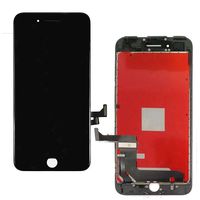
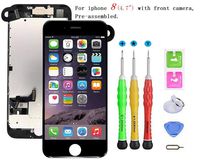
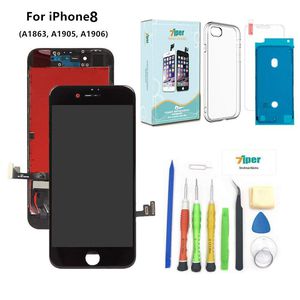
Only for iPhone 8 (4.7 inch)
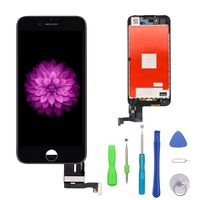
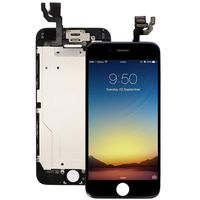
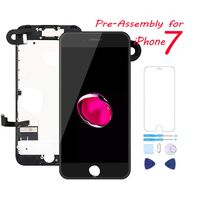
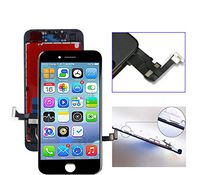
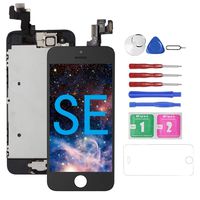
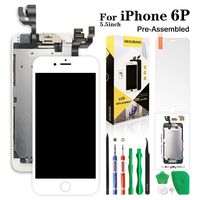
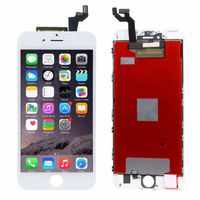
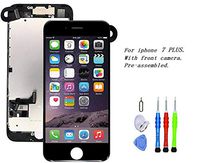
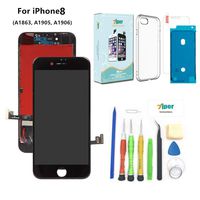
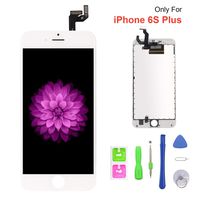
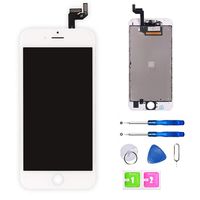
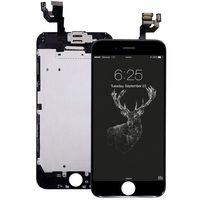
The screen replacement is without Ear Speaker, Front Camera, Proximity Sensor, LCD Metal Back Plate and Home Button, so please transfer them from your old screen to the new one .
Installation Notice:
1. Choose the RIGHT model and color
2. Make sure already disconnect battery cable or power off before installation. It could save your phone from short circuit or incorrect installation damage.
3. Please check the LCD and make sure the flex cable is in good condition and there is no debris on the connector.
4. The flex cable are very sensitive and frangible. DO NOT over-bend or use excessive force to tear it, Handle Carefully !
5. There are many screws when you replacing the assembly which are different in size and length. Make sure each screw are installed back to its ORIGINAL hole
6. Follow the Operation Guide or video online step by step if you are Beginner(also easy to install)
Package including:
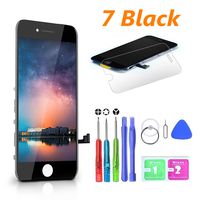
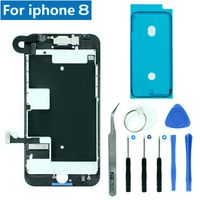
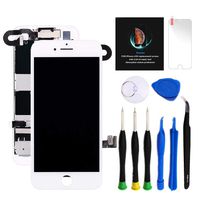
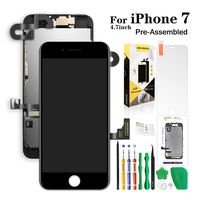
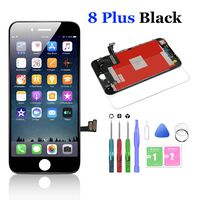
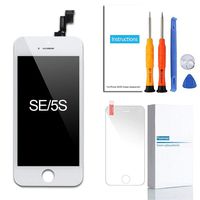
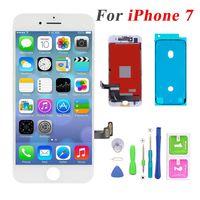
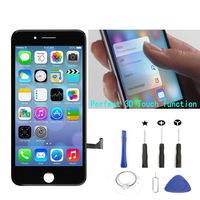
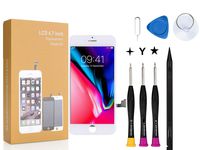
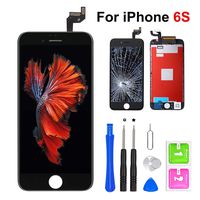
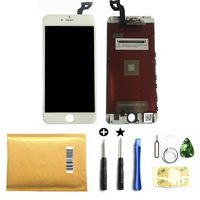
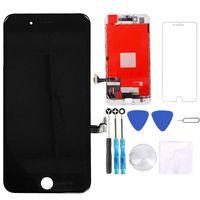
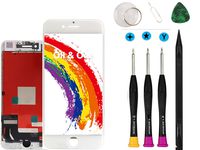
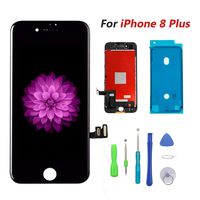
1 x lcd touch screen+digitizer assembly
1 x High Qulity Repair Tools Set
1 x Non-Dust Cloth
1 x Sim Card Pin
1 x Hardness Tempered Glass
1 x Clear TPU cover
1 x Instructions
TroubleShoot help:
If your phone have some problems after installed. For example, cannot turn on, no touch, no home button function, flashing, lines on screen etc., please follow these steps:
1. Reinstall all flex cables from the motherboard and double check all flex cable is in good condition.
2. Restart your phone: press home button and power button simultaneously till the phone shut down, after few mins, turn the phone on.
Please contact us if any product issue, we will do our best to provide good service for you.
The screen replacement is without Ear Speaker, Front Camera, Proximity Sensor, LCD Metal Back Plate and Home Button, so please transfer them from your old screen to the new one .
Installation Notice:
1. Choose the RIGHT model and color
2. Make sure already disconnect battery cable or power off before installation. It could save your phone from short circuit or incorrect installation damage.
3. Please check the LCD and make sure the flex cable is in good condition and there is no debris on the connector.
4. The flex cable are very sensitive and frangible. DO NOT over-bend or use excessive force to tear it, Handle Carefully !
5. There are many screws when you replacing the assembly which are different in size and length. Make sure each screw are installed back to its ORIGINAL hole
6. Follow the Operation Guide or video online step by step if you are Beginner(also easy to install)
Package including:
1 x lcd touch screen+digitizer assembly
1 x High Qulity Repair Tools Set
1 x Non-Dust Cloth
1 x Sim Card Pin
1 x Hardness Tempered Glass
1 x Clear TPU cover
1 x Instructions
TroubleShoot help:
If your phone have some problems after installed. For example, cannot turn on, no touch, no home button function, flashing, lines on screen etc., please follow these steps:
1. Reinstall all flex cables from the motherboard and double check all flex cable is in good condition.
2. Restart your phone: press home button and power button simultaneously till the phone shut down, after few mins, turn the phone on.
Please contact us if any product issue, we will do our best to provide good service for you.
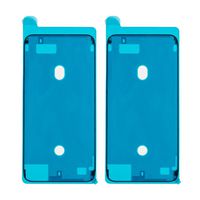
Screen Replacement for iPhone 8 (4.7 inch) - 3D Touch LCD Complete Repair -LCD Touch Digitizer Display Glass - Free Cover,Waterproof Adhesive,Tempered Glass,Tools,Instruction (Black)
Price is below average
Current Price
$27.99
Average
$28.13
Min Price
$24
Max Price
$29.99
Price dynamics
0%
Description
Only for iPhone 8 (4.7 inch)
The screen replacement is without Ear Speaker, Front Camera, Proximity Sensor, LCD Metal Back Plate and Home Button, so please transfer them from your old screen to the new one .
Installation Notice:
1. Choose the RIGHT model and color
2. Make sure already disconnect battery cable or power off before installation. It could save your phone from short circuit or incorrect installation damage.
3. Please check the LCD and make sure the flex cable is in good condition and there is no debris on the connector.
4. The flex cable are very sensitive and frangible. DO NOT over-bend or use excessive force to tear it, Handle Carefully !
5. There are many screws when you replacing the assembly which are different in size and length. Make sure each screw are installed back to its ORIGINAL hole
6. Follow the Operation Guide or video online step by step if you are Beginner(also easy to install)
Package including:
1 x lcd touch screen+digitizer assembly
1 x High Qulity Repair Tools Set
1 x Non-Dust Cloth
1 x Sim Card Pin
1 x Hardness Tempered Glass
1 x Clear TPU cover
1 x Instructions
TroubleShoot help:
If your phone have some problems after installed. For example, cannot turn on, no touch, no home button function, flashing, lines on screen etc., please follow these steps:
1. Reinstall all flex cables from the motherboard and double check all flex cable is in good condition.
2. Restart your phone: press home button and power button simultaneously till the phone shut down, after few mins, turn the phone on.
Please contact us if any product issue, we will do our best to provide good service for you.
The screen replacement is without Ear Speaker, Front Camera, Proximity Sensor, LCD Metal Back Plate and Home Button, so please transfer them from your old screen to the new one .
Installation Notice:
1. Choose the RIGHT model and color
2. Make sure already disconnect battery cable or power off before installation. It could save your phone from short circuit or incorrect installation damage.
3. Please check the LCD and make sure the flex cable is in good condition and there is no debris on the connector.
4. The flex cable are very sensitive and frangible. DO NOT over-bend or use excessive force to tear it, Handle Carefully !
5. There are many screws when you replacing the assembly which are different in size and length. Make sure each screw are installed back to its ORIGINAL hole
6. Follow the Operation Guide or video online step by step if you are Beginner(also easy to install)
Package including:
1 x lcd touch screen+digitizer assembly
1 x High Qulity Repair Tools Set
1 x Non-Dust Cloth
1 x Sim Card Pin
1 x Hardness Tempered Glass
1 x Clear TPU cover
1 x Instructions
TroubleShoot help:
If your phone have some problems after installed. For example, cannot turn on, no touch, no home button function, flashing, lines on screen etc., please follow these steps:
1. Reinstall all flex cables from the motherboard and double check all flex cable is in good condition.
2. Restart your phone: press home button and power button simultaneously till the phone shut down, after few mins, turn the phone on.
Please contact us if any product issue, we will do our best to provide good service for you.
Price will be lower
in next 2 weeks
in next 2 weeks
According to the data, price will be lower in next two weeks, so not waste your money and track better price!
Similar products