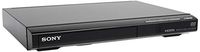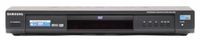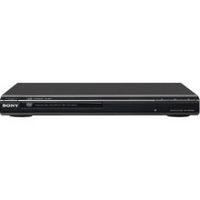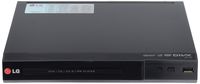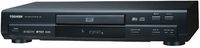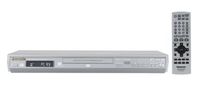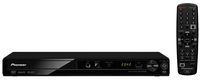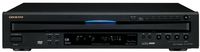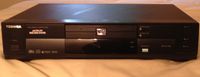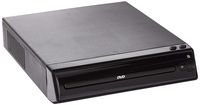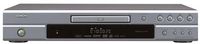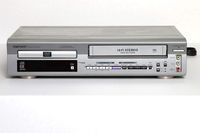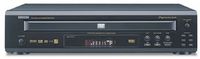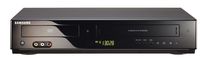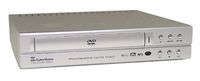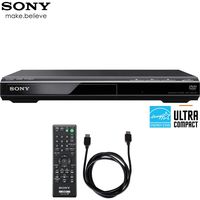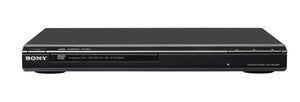
Sony’s DVP-SR200P/B is a versatile DVD player with many features at an affordable price. It delivers excellent picture and sound quality so you get the most out of your movies and use it to share photos with friends and families. The Precision Drive 3 system allows you to playback some DVDs that may have been damaged without a degradation of picture quality. In addition to being an excellent DVD player, it can also be used as your CD or MP3 player. A perfect complement to your TV.

Key Features
Precision Drive 3 System: Past generations of Precision Drive systems were only able to compensate for warped discs by moving the entire optical block, which took more time and limited the amount of correction possible. Sony's new Precision Drive 3 system simplifies the process by moving the lens-instead of the entire optical block-for faster and more accurate error correction.
MP3 Playback: Playing MP3 music on a Sony DVD Player is easy. Just insert an MP3 encoded disc and press MENU. A blue screen pops up to Display your folders. Scroll down the list using the remote or front panel cursor control to select the folder you want. The green files screen pops up to show the files in the selected folder. Select the file you want to hear and start listening.
Fast/Slow Pla
Sony DVP-SR200P/B DVD Player, Black
Sony’s DVP-SR200P/B is a versatile DVD player with many features at an affordable price. It delivers excellent picture and sound quality so you get the most out of your movies and use it to share photos with friends and families. The Precision Drive 3 system allows you to playback some DVDs that may have been damaged without a degradation of picture quality. In addition to being an excellent DVD player, it can also be used as your CD or MP3 player. A perfect complement to your TV.

Key Features
Precision Drive 3 System: Past generations of Precision Drive systems were only able to compensate for warped discs by moving the entire optical block, which took more time and limited the amount of correction possible. Sony's new Precision Drive 3 system simplifies the process by moving the lens-instead of the entire optical block-for faster and more accurate error correction.
MP3 Playback: Playing MP3 music on a Sony DVD Player is easy. Just insert an MP3 encoded disc and press MENU. A blue screen pops up to Display your folders. Scroll down the list using the remote or front panel cursor control to select the folder you want. The green files screen pops up to show the files in the selected folder. Select the file you want to hear and start listening.
Fast/Slow Pla
in next 2 weeks
By clicking "Accept All", you consent to our use of cookies.