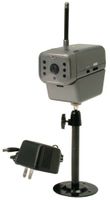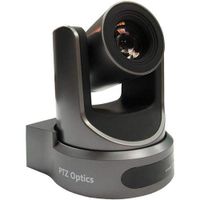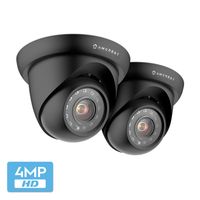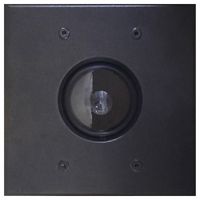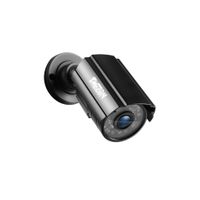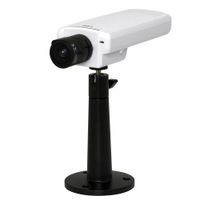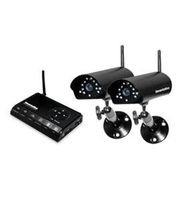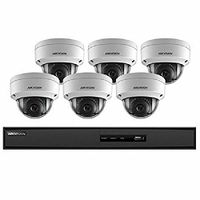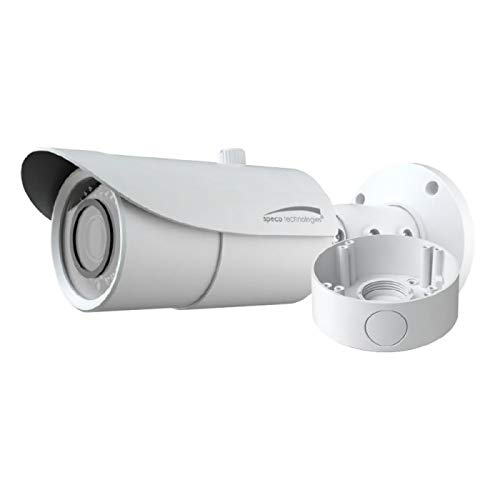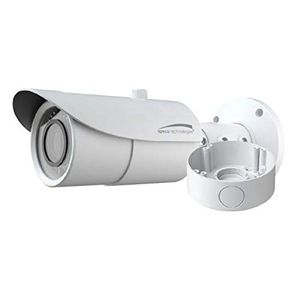
Speco O8B6M
Current Price
$349.35
Average
$298.42
Min Price
$264.58
Max Price
$368.31
Price dynamics
15%
Price will be lower
in next 2 weeks
in next 2 weeks
According to the data, price will be lower in next two weeks, so not waste your money and track better price!
Product review & video
we will now go into how to set up the network settings on the RS DVR to change the network settings you have to get into the menu right click on the screen and click on setup go to the network tab once you're in network tab you can change to either select a static IP address or a dynamic IP address to manually enter an IP address select static from the drop down menu you will then have to enter the IP address the subnet mask and the gateway in order to automatically retrieve the IP address from the router select DHCP the IP address subnet mask and the gate will will be automatically assigned by the router speaker also offers a free D DNS service the D DNS service will allow you to enter a name and will not have to remember the IP address of the DVR to assign a D Deanna's name go into the DNS menu enable D DNS and manually enter the host name once you've entered the host name click on su