Description
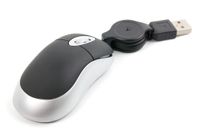
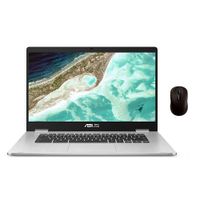
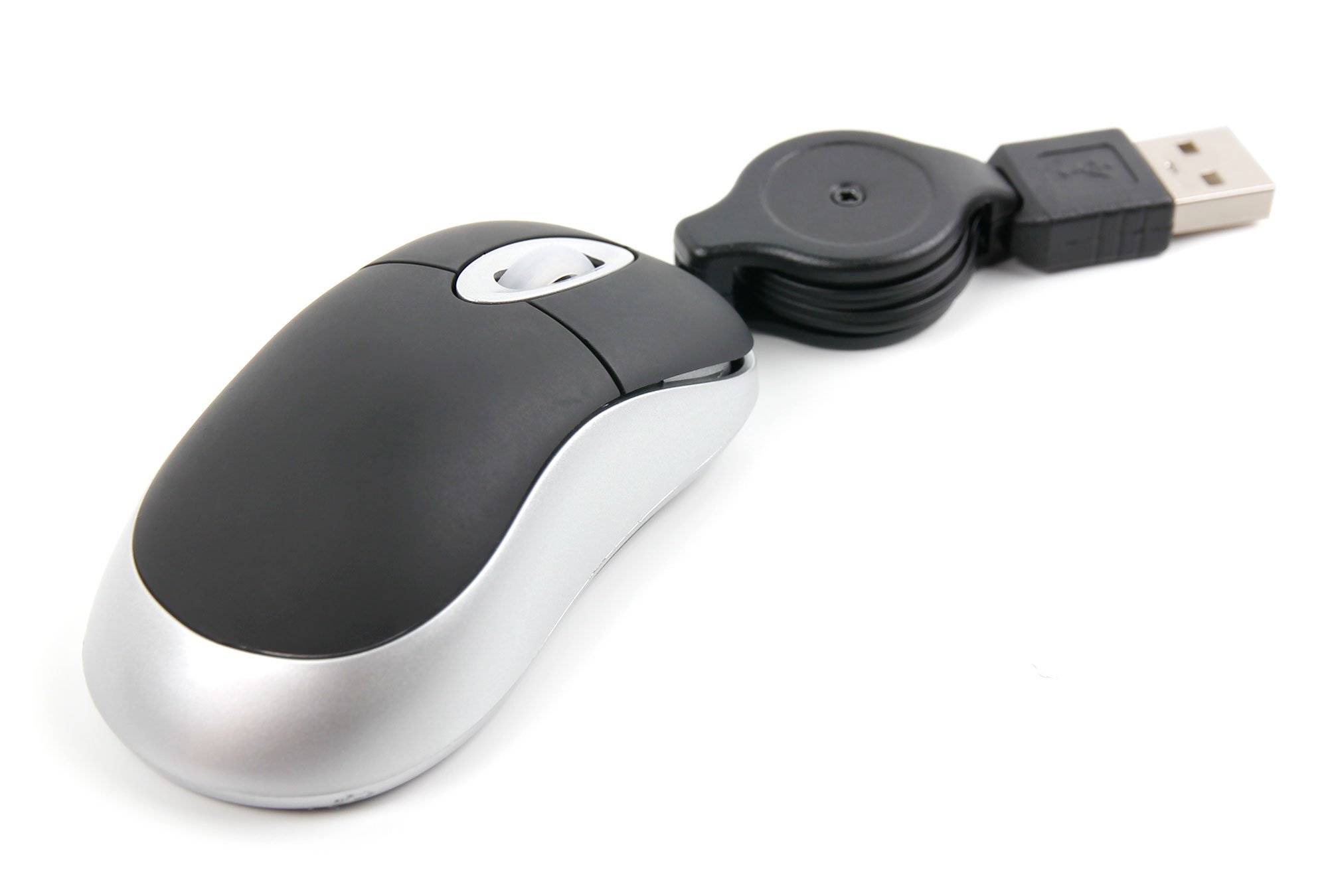
DURAGADGET's mini USB mouse is the perfect work and travel accessory for your laptop. Easy to install (simply plug in and play! - no additional device drivers required), ergonomically designed and functional, this mouse will enhance your laptop experience!
The mouse boasts a high grade digital optical sensor that gives excellent precision, designed to work on almost any surface without the aid of a mouse pad. The mouse features a left and right button as well as a scroll function for additional ease-of-use. The mouse has been ergonomically and stylishly designed to give a tactile feel while being used, shaped to comfortably fit either a left or right hand.
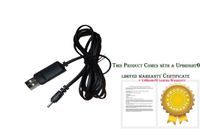
The retractable cable extends up to 70cm. It can be 'locked' into any length for your optimal usage, and can then be easily retracted to a handy pocket or travel accessory size.
Compatible with: Acer V5 122P, Aspire V5-132P, Aspire P3 Ultrabook Lenovo U430 Touch, Lenovo U410 Touch, Lenovo S410p Touch
The mouse boasts a high grade digital optical sensor that gives excellent precision, designed to work on almost any surface without the aid of a mouse pad. The mouse features a left and right button as well as a scroll function for additional ease-of-use. The mouse has been ergonomically and stylishly designed to give a tactile feel while being used, shaped to comfortably fit either a left or right hand.
The retractable cable extends up to 70cm. It can be 'locked' into any length for your optimal usage, and can then be easily retracted to a handy pocket or travel accessory size.
Compatible with: Acer V5 122P, Aspire V5-132P, Aspire P3 Ultrabook Lenovo U430 Touch, Lenovo U410 Touch, Lenovo S410p Touch
DURAGADGET Mini USB Laptop Mouse - Suitable for Lenovo U430 Touch, Lenovo U410 Touch, Lenovo S410p Touch
Current Price
$16.99
Average
$14.49
Min Price
$8.99
Max Price
$21.98
Price dynamics
15%
Description
DURAGADGET's mini USB mouse is the perfect work and travel accessory for your laptop. Easy to install (simply plug in and play! - no additional device drivers required), ergonomically designed and functional, this mouse will enhance your laptop experience!
The mouse boasts a high grade digital optical sensor that gives excellent precision, designed to work on almost any surface without the aid of a mouse pad. The mouse features a left and right button as well as a scroll function for additional ease-of-use. The mouse has been ergonomically and stylishly designed to give a tactile feel while being used, shaped to comfortably fit either a left or right hand.
The retractable cable extends up to 70cm. It can be 'locked' into any length for your optimal usage, and can then be easily retracted to a handy pocket or travel accessory size.
Compatible with: Acer V5 122P, Aspire V5-132P, Aspire P3 Ultrabook Lenovo U430 Touch, Lenovo U410 Touch, Lenovo S410p Touch
The mouse boasts a high grade digital optical sensor that gives excellent precision, designed to work on almost any surface without the aid of a mouse pad. The mouse features a left and right button as well as a scroll function for additional ease-of-use. The mouse has been ergonomically and stylishly designed to give a tactile feel while being used, shaped to comfortably fit either a left or right hand.
The retractable cable extends up to 70cm. It can be 'locked' into any length for your optimal usage, and can then be easily retracted to a handy pocket or travel accessory size.
Compatible with: Acer V5 122P, Aspire V5-132P, Aspire P3 Ultrabook Lenovo U430 Touch, Lenovo U410 Touch, Lenovo S410p Touch
Price will be lower
in next 2 weeks
in next 2 weeks
According to the data, price will be lower in next two weeks, so not waste your money and track better price!
Product review & video
[Music] hello and welcome back to another tutorial in this tutorial I am going to share with you how to fix in your Lenovo IdeaPad laptop just paid example in this laptop this is the noble IdeaPad 1 1 0 laptop and in this my laptop I can to work on my TAS fait CE I try to move my cursor is not moving so what's the solution is really simple trick in Lenovo IdeaPad they put some function key like some FN key for the users so they can use it like brightness adjust so is to monitor log flight mode etc etcetera in the top side he will see there will be function key here you will find this f6 you will see this icon is appear which is for your touchpad to a novel or disable it might be in your keyboard may be in athlete or maybe it might be in up 6 so follow this logo where it is appear so simply just press here one time and now you try to touch your artist but it will work receive you notice