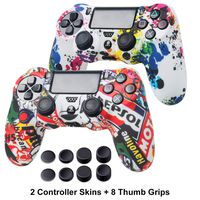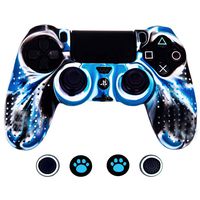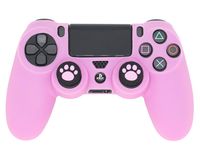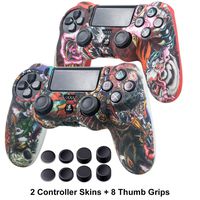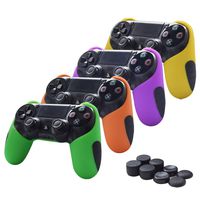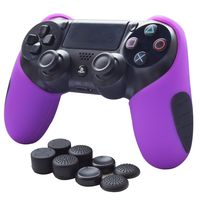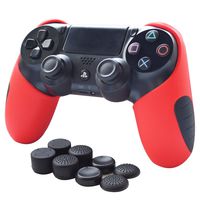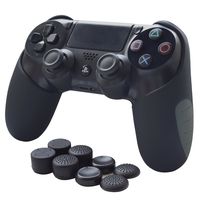
Description
Install:
1. Clean the unit's surface as thoroughly as possible.Use rubbing alcohol on a lint-free cloth to remove any grease or other contaminates. Most issues of non-sticking are due to some type of oil or grease.
2. Peel one piece of PS4 Decals from the paper liner. NOT to let the adhesive side touch anything.
3. Determine the placement, apply the Skin to the surface using your fingers or the side of your thumb, starting from one corner and working your way across the surface.
4. If a piece is not going on straight, you can gently lift it back up. Do not stretch it from its original size.
5. If installed slowly and carefully, there should be NO air bubbles left under the sticker. Any air that may become trapped during installation will go away in time.
6. During the cold weather or for a better result, apply hot air to the decal surface by using a hair dryer or hot air gun to activate chemical agent while putting the sticker.
Especially heat up the edge surface. Allow at least 3 hours for cool down before touching the decal sticker skin.
1. Clean the unit's surface as thoroughly as possible.Use rubbing alcohol on a lint-free cloth to remove any grease or other contaminates. Most issues of non-sticking are due to some type of oil or grease.
2. Peel one piece of PS4 Decals from the paper liner. NOT to let the adhesive side touch anything.
3. Determine the placement, apply the Skin to the surface using your fingers or the side of your thumb, starting from one corner and working your way across the surface.
4. If a piece is not going on straight, you can gently lift it back up. Do not stretch it from its original size.
5. If installed slowly and carefully, there should be NO air bubbles left under the sticker. Any air that may become trapped during installation will go away in time.
6. During the cold weather or for a better result, apply hot air to the decal surface by using a hair dryer or hot air gun to activate chemical agent while putting the sticker.
Especially heat up the edge surface. Allow at least 3 hours for cool down before touching the decal sticker skin.
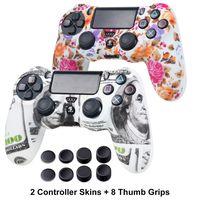
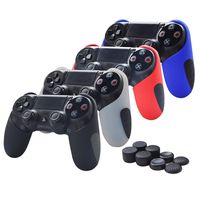
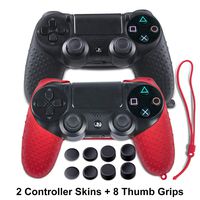
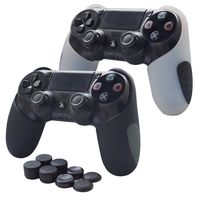
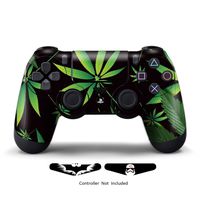
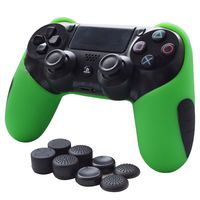
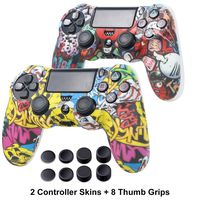
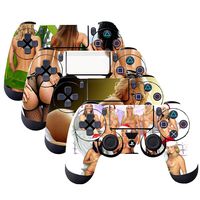
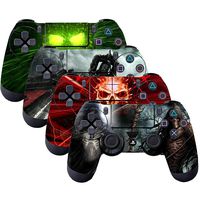
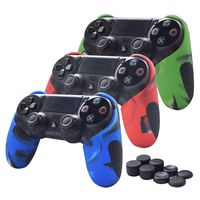
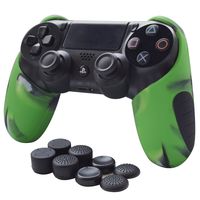
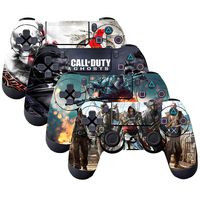
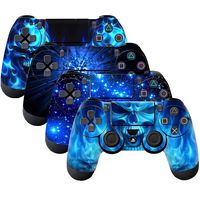
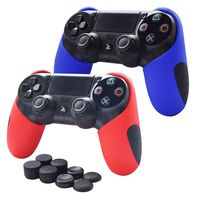
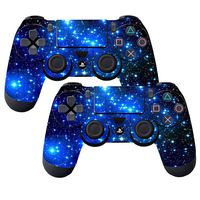
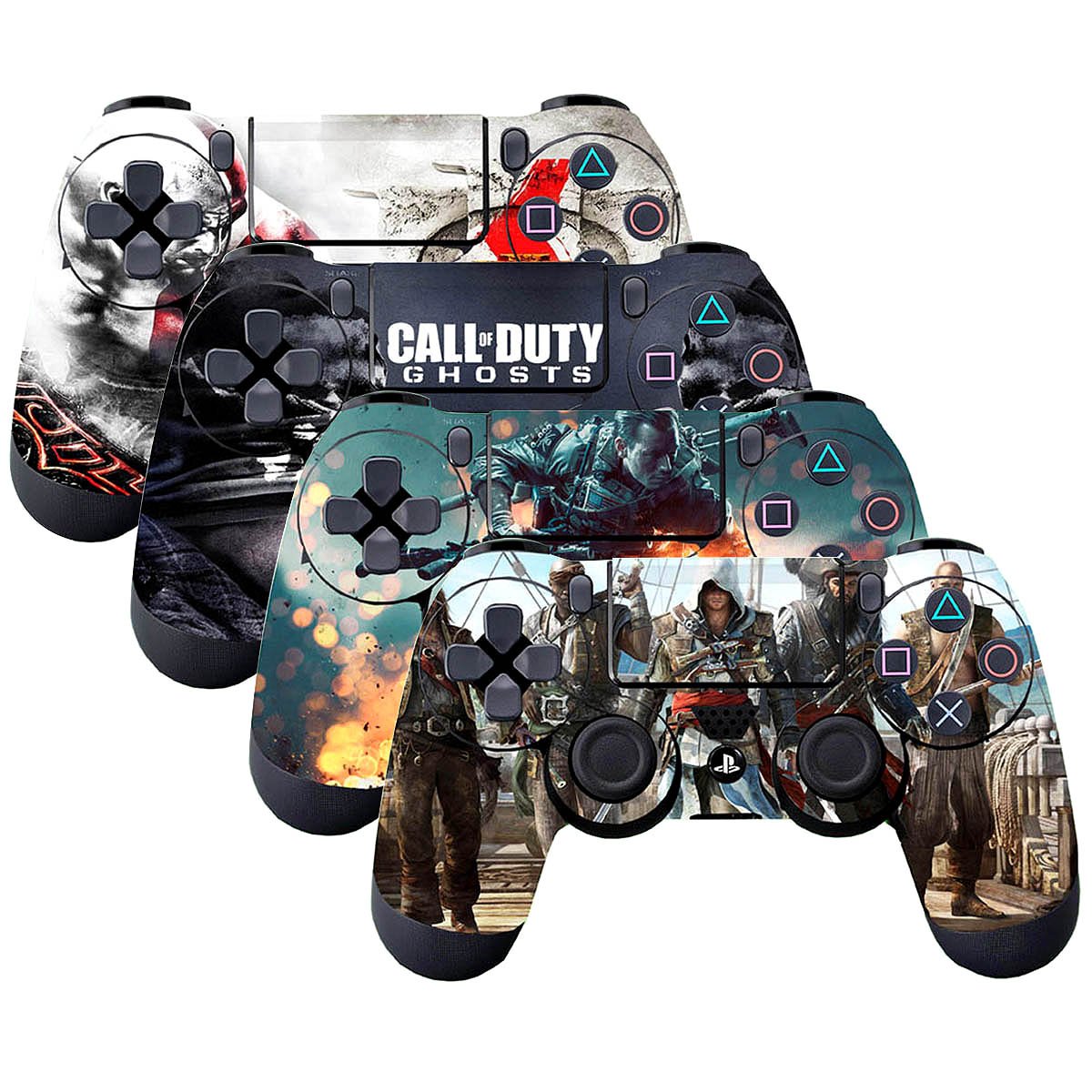
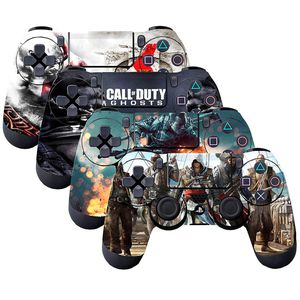
SubClap 4 Packs PS4 Controller Skin, Vinyl Decal Sticker Cover for Sony PlayStation 4 DualShock 4 Wireless Controller (Hero)
Price is below average
Current Price
$8.39
Average
$8.63
Min Price
$4.99
Max Price
$10.99
Price dynamics
3%
Description
Install:
1. Clean the unit's surface as thoroughly as possible.Use rubbing alcohol on a lint-free cloth to remove any grease or other contaminates. Most issues of non-sticking are due to some type of oil or grease.
2. Peel one piece of PS4 Decals from the paper liner. NOT to let the adhesive side touch anything.
3. Determine the placement, apply the Skin to the surface using your fingers or the side of your thumb, starting from one corner and working your way across the surface.
4. If a piece is not going on straight, you can gently lift it back up. Do not stretch it from its original size.
5. If installed slowly and carefully, there should be NO air bubbles left under the sticker. Any air that may become trapped during installation will go away in time.
6. During the cold weather or for a better result, apply hot air to the decal surface by using a hair dryer or hot air gun to activate chemical agent while putting the sticker.
Especially heat up the edge surface. Allow at least 3 hours for cool down before touching the decal sticker skin.
1. Clean the unit's surface as thoroughly as possible.Use rubbing alcohol on a lint-free cloth to remove any grease or other contaminates. Most issues of non-sticking are due to some type of oil or grease.
2. Peel one piece of PS4 Decals from the paper liner. NOT to let the adhesive side touch anything.
3. Determine the placement, apply the Skin to the surface using your fingers or the side of your thumb, starting from one corner and working your way across the surface.
4. If a piece is not going on straight, you can gently lift it back up. Do not stretch it from its original size.
5. If installed slowly and carefully, there should be NO air bubbles left under the sticker. Any air that may become trapped during installation will go away in time.
6. During the cold weather or for a better result, apply hot air to the decal surface by using a hair dryer or hot air gun to activate chemical agent while putting the sticker.
Especially heat up the edge surface. Allow at least 3 hours for cool down before touching the decal sticker skin.
Price will be lower
in next 2 weeks
in next 2 weeks
According to the data, price will be lower in next two weeks, so not waste your money and track better price!
Similar products