Description
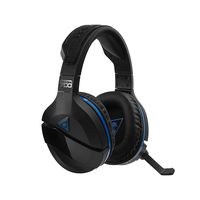
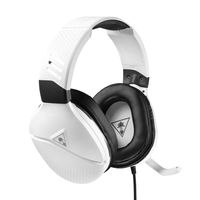
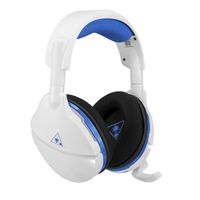
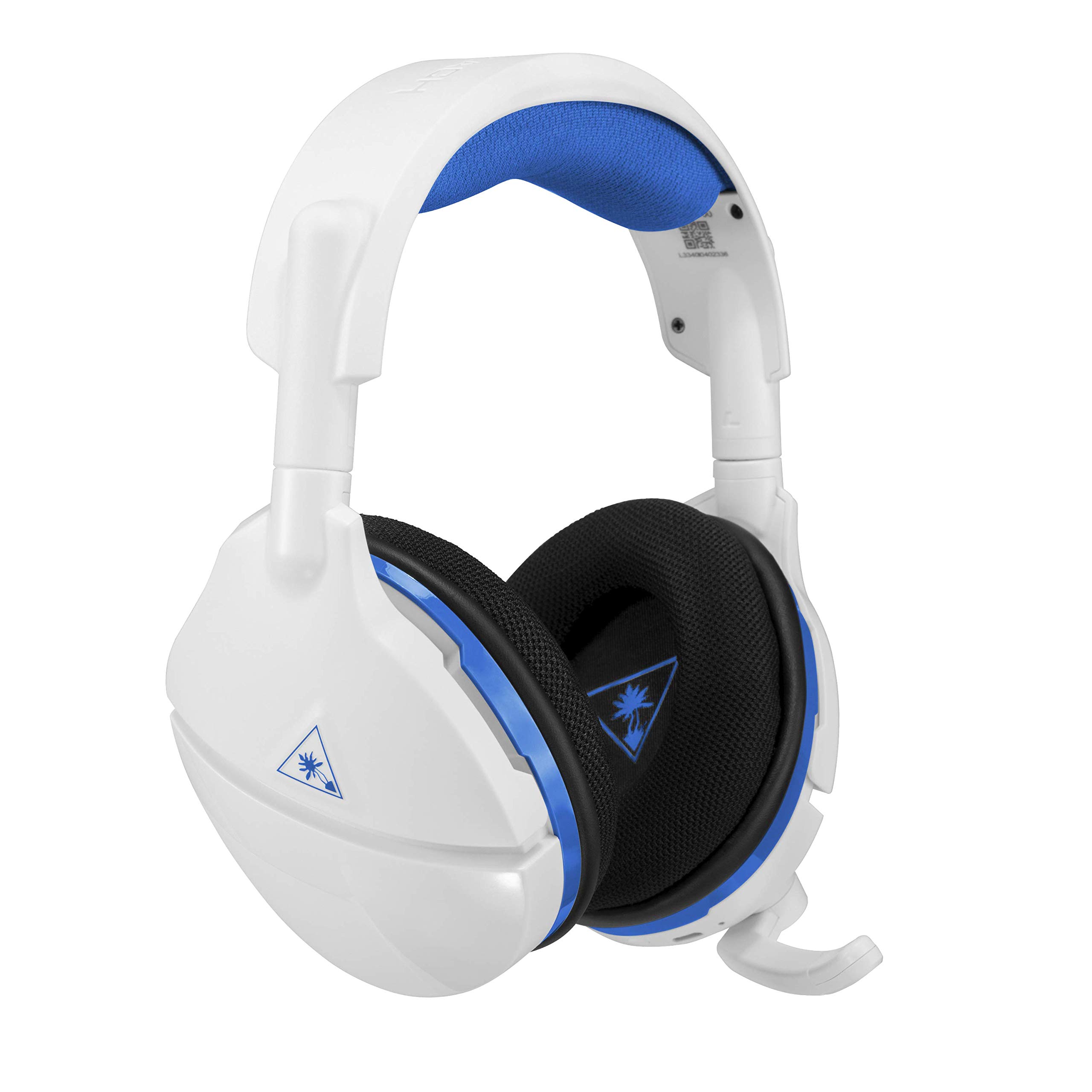
The Turtle Beach Stealth 600 White is the latest wireless surround sound gaming headset for PlayStation4. Debuting an all new modern style, the Stealth 600 White delivers virtual surround sound plus chat audio through powerful 50mm over ear speakers, and features Turtle Beach's renowned high sensitivity mic that can be flipped up to mute. For comfort, the Stealth 600 White sports the latest iteration of Turtle Beach's unique ProSpecs glasses friendly design and has breathable mesh fabric wrapped headband and ear cushions. The Stealth 600 White also includes Turtle Beach's exclusive Superhuman Hearing sound setting, Variable Mic Monitoring, audio presets including Bass Boost, and a 15 hour rechargeable battery. Set up for ps4 go to settings – devices audio devices. Select stealth 600 for input and output device. Set output to headphones to all audio. Set volume control (headphone) level to maximum. Select adjust microphone level and follow the on screen instructions to calibrate your microphone.
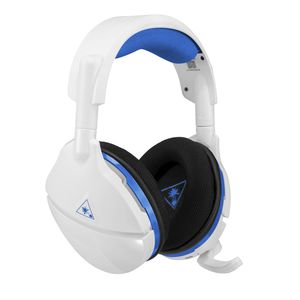
Turtle Beach Stealth 600 White Wireless Surround Sound Gaming Headset for PlayStation 4 Pro and PlayStation 4
Price is below average
Current Price
$84.95
Average
$94.04
Min Price
$79.95
Max Price
$99.99
Price dynamics
10%
Description
The Turtle Beach Stealth 600 White is the latest wireless surround sound gaming headset for PlayStation4. Debuting an all new modern style, the Stealth 600 White delivers virtual surround sound plus chat audio through powerful 50mm over ear speakers, and features Turtle Beach's renowned high sensitivity mic that can be flipped up to mute. For comfort, the Stealth 600 White sports the latest iteration of Turtle Beach's unique ProSpecs glasses friendly design and has breathable mesh fabric wrapped headband and ear cushions. The Stealth 600 White also includes Turtle Beach's exclusive Superhuman Hearing sound setting, Variable Mic Monitoring, audio presets including Bass Boost, and a 15 hour rechargeable battery. Set up for ps4 go to settings – devices audio devices. Select stealth 600 for input and output device. Set output to headphones to all audio. Set volume control (headphone) level to maximum. Select adjust microphone level and follow the on screen instructions to calibrate your microphone.
Price will be lower
in next 2 weeks
in next 2 weeks
According to the data, price will be lower in next two weeks, so not waste your money and track better price!

Similar products