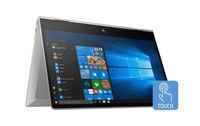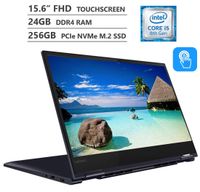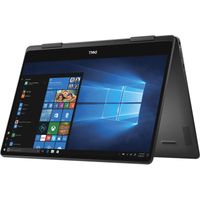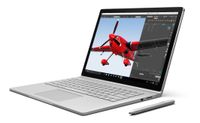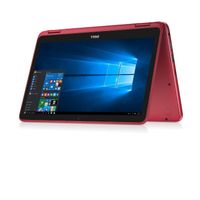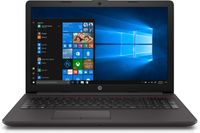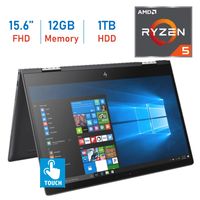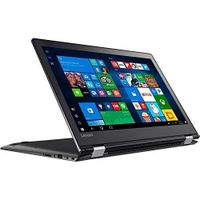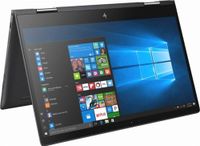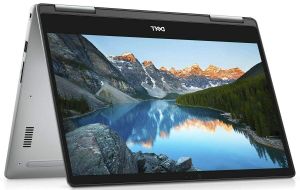
Description
Processor: Intel 8th Gen Core i7-8550U (Quad Core, 8MB cache, up to 4.00 GHz)
OS: Windows 10 Home 64bit
Display: 15.6" FHD 1920x1080 Truelife LED-Backlit Touch Display - IPS Supports Pen/F.R.Narrow Border
Memory: 16 GB DDR4 2400MHz Non-ECC SDRAM (1x16GB)
Hard Drive: 512GB Solid State Drive (SSD)
Video: Intel(R) UHD Graphics 620
Optical Drive: None
Camera: Infrared camera works with Windows Hello for secure facial recognition, allowing you to log in with just one look
Connectivity: wireless 802.11ac + Bluetooth 4.2, Dual Band 2.4 & 5 GHz, 2x2
Input: Backlit Internal Keyboard
Battery: 3 Cell Lithium Ion Battery 42 WHr
PortsSlots: 3:1 SD Card Reader, HDMI 2.0, 2 x USB 3.1 Gen 1, USB 3.1 Type-C, Audio Jack
Dimensions: 1. Height: 0.74"-0.81" (18.81mm-20.59mm) | 2. Width: 14.2" (361.36mm) | 3. Depth: 9.6" (244.5mm)
Weight: Starting at 4.63lbs (2.10kg) / 4.76lbs (2.16kg) (UHD)
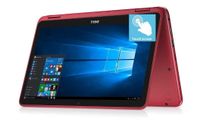
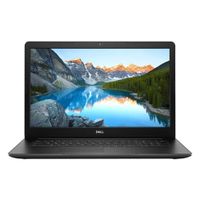
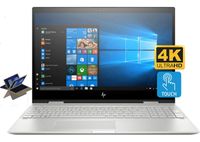
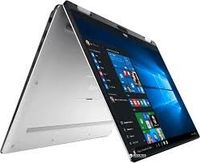
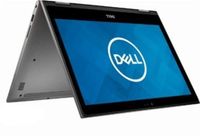
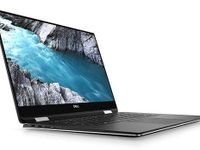
Dell Inspiron 7573 2-in-1 Laptop, Intel 8th Gen Core i7-8550U, 16 GB RAM, 512GB Solid State Drive (SSD), Windows 10 Home (Renewed)
Price is below average
Current Price
$655
Average
$703.24
Min Price
$655
Max Price
$799.77
Price dynamics
7%
Description
Processor: Intel 8th Gen Core i7-8550U (Quad Core, 8MB cache, up to 4.00 GHz)
OS: Windows 10 Home 64bit
Display: 15.6" FHD 1920x1080 Truelife LED-Backlit Touch Display - IPS Supports Pen/F.R.Narrow Border
Memory: 16 GB DDR4 2400MHz Non-ECC SDRAM (1x16GB)
Hard Drive: 512GB Solid State Drive (SSD)
Video: Intel(R) UHD Graphics 620
Optical Drive: None
Camera: Infrared camera works with Windows Hello for secure facial recognition, allowing you to log in with just one look
Connectivity: wireless 802.11ac + Bluetooth 4.2, Dual Band 2.4 & 5 GHz, 2x2
Input: Backlit Internal Keyboard
Battery: 3 Cell Lithium Ion Battery 42 WHr
PortsSlots: 3:1 SD Card Reader, HDMI 2.0, 2 x USB 3.1 Gen 1, USB 3.1 Type-C, Audio Jack
Dimensions: 1. Height: 0.74"-0.81" (18.81mm-20.59mm) | 2. Width: 14.2" (361.36mm) | 3. Depth: 9.6" (244.5mm)
Weight: Starting at 4.63lbs (2.10kg) / 4.76lbs (2.16kg) (UHD)
Price will be lower
in next 2 weeks
in next 2 weeks
According to the data, price will be lower in next two weeks, so not waste your money and track better price!
Product review & video
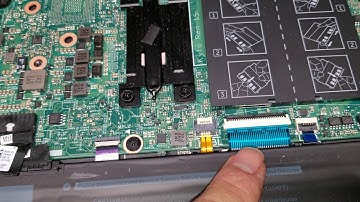
alright so I'm gonna show how to open up and disassemble Dell Inspiron model seven five seven three so first thing you want to do is undo all the screws so the four near the trackpad they actually all come out so there's four here and then the rest they're held in place so there's another five six seven eight nine ten alright once you get all those screws out you'll want to go between the two layers with your fingernail or a pry tool so I already pop this open but basically you go between the two layers and you kind of just pry all the way around okay the sides to alright and just do that go all the way around once you get all the layers up you just lift and then the back might get stuck you just wiggle a like that okay so there you go just like that okay once you get that I like to have it so that the trackpad is towards me and the hinges are towards the back there's the CMOS battery h

Similar products