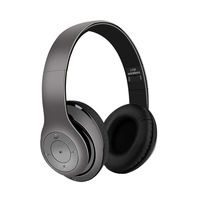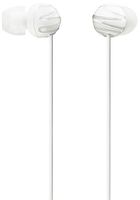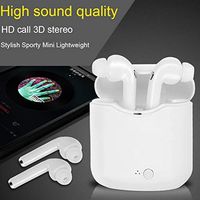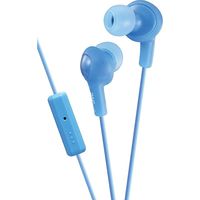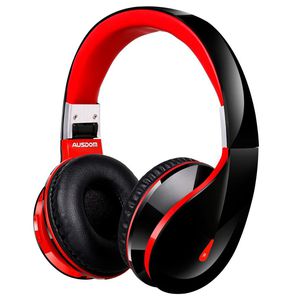
Description
Product description:
Steps to connect the Bluetooth headset with Cell phone
1.In the headset turned off state,Long press the MFB(About 6 seconds),until the headset indicator appears red and blue flashing state,entering into the search state("For pairing state" is heard and the headset can be searched by other Bluetooth device)
2.Turn on the mobile phone Bluetooth,click to search the headset Bluetooth. Until the mobile has searched the headset and displays the Bluetooth headset model NO..
3.Click the headset model to connect. After the connection is sucessful, The headphone's blue light will flash.
It is the first headphone that is designed for lover, families and your best friends! it is hard to use only ONE headset when TWO people are listening music or watching movies. When you are in sports, you and your darling can share the same music!
Specifications:
Bluetooth version :BT 4.0+EDR
Support Profile :HSP,HFP,A2DP,AVRCP
Transmission frequency :2.40GHz-2.48GHz
Transmission Distance :15m(Indoor) 8m(Outdoor)
Speaker diameter :Φ 50mm
Frequency response :20Hz-20KHz
Impedance : 32Ω
S.P.L :95±3dB S.P.L at 1KHz
Package Contains:
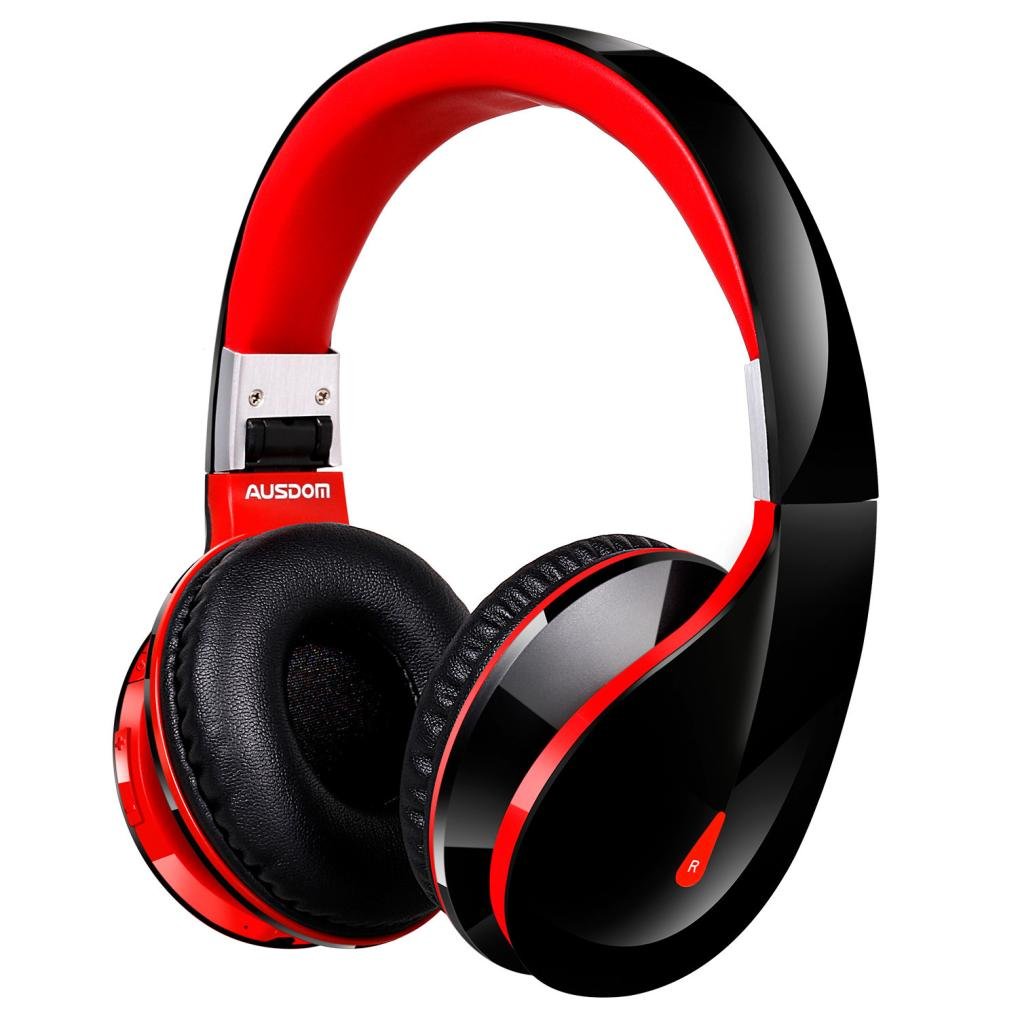
1 X Ausdom AH2s Headphones
1 X USB Charging Cable
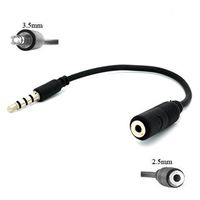
1 X 3.5mm Audio cable (4feet/ 1.2m)
1 X User manual
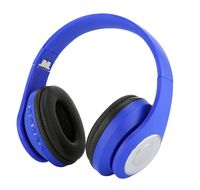
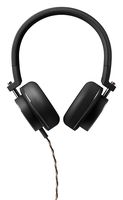
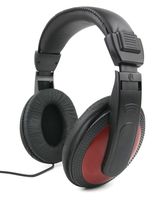
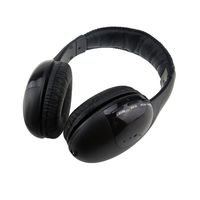
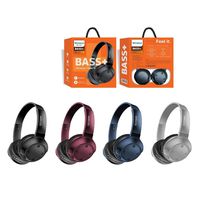
Wensltd Wireless Bluetooth Foldable Headset Stereo Headphone Earphone for iPhone
Current Price
$42
Average
$42
Min Price
$42
Max Price
$42
Price dynamics
0%
Description
Product description:
Steps to connect the Bluetooth headset with Cell phone
1.In the headset turned off state,Long press the MFB(About 6 seconds),until the headset indicator appears red and blue flashing state,entering into the search state("For pairing state" is heard and the headset can be searched by other Bluetooth device)
2.Turn on the mobile phone Bluetooth,click to search the headset Bluetooth. Until the mobile has searched the headset and displays the Bluetooth headset model NO..
3.Click the headset model to connect. After the connection is sucessful, The headphone's blue light will flash.
It is the first headphone that is designed for lover, families and your best friends! it is hard to use only ONE headset when TWO people are listening music or watching movies. When you are in sports, you and your darling can share the same music!
Specifications:
Bluetooth version :BT 4.0+EDR
Support Profile :HSP,HFP,A2DP,AVRCP
Transmission frequency :2.40GHz-2.48GHz
Transmission Distance :15m(Indoor) 8m(Outdoor)
Speaker diameter :Φ 50mm
Frequency response :20Hz-20KHz
Impedance : 32Ω
S.P.L :95±3dB S.P.L at 1KHz
Package Contains:
1 X Ausdom AH2s Headphones
1 X USB Charging Cable
1 X 3.5mm Audio cable (4feet/ 1.2m)
1 X User manual
Price will be lower
in next 2 weeks
in next 2 weeks
According to the data, price will be lower in next two weeks, so not waste your money and track better price!
Product review & video
hey guys welcome to my channel in this video today I'm gonna be showing you how to pair your Bluetooth wireless earphones with your iPhone device so the first step that you're gonna want to do is you're gonna head on over into settings so go ahead tap that Settings icon now once you're in settings head on over to bluetooth make sure bluetooth is turned on and the next thing that you're gonna want to do is you're gonna grab your Bluetooth earphones so I'm gonna be demonstrating this with three earphones so first up we have the Origin HS threes so you're gonna find that on/off button on the earphones on the wireless earphones you're gonna go ahead and tap it and hold it until you see a blue and red most likely a blue and red flashing light as you see here now once you see that you know grab your phone and you're still going to be in the Bluetooth settings so you're going to go ahead and s