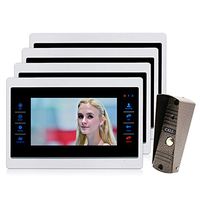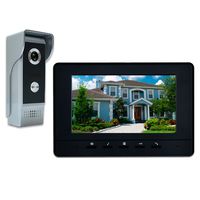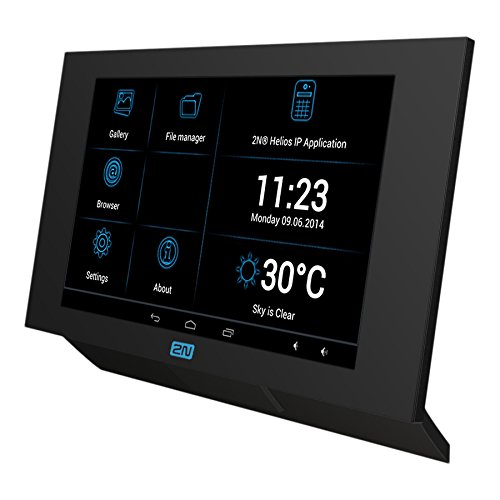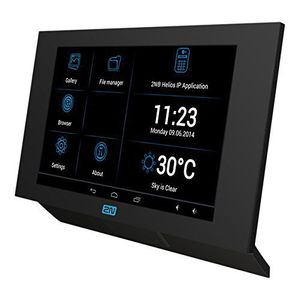
2N-2N InDoor Touch Android 7" Screen- POE
Price is below average
Current Price
$1 245
Average
$1 315.09
Min Price
$238
Max Price
$1 378
Price dynamics
5%
Price will be lower
in next 2 weeks
in next 2 weeks
According to the data, price will be lower in next two weeks, so not waste your money and track better price!
Product review & video
Hello and welcome to this video tutorial describing
how to set up calls between 2N Indoor Touch 2.0 and 2N IP intercoms. Let's start with configuring the intercom. Go to Directory, and create a new user. Name the user and fill in a phone number in
the following format: device:device_name, for example device:garage Then go to Services>Phone>calls and adjust the Local Call
Receiving Mode. And the last step here is to go to Hardware>Buttons
and assign the user we created to a button. Now, let's configure the Indoor Touch. Go to Intercoms>Settings>General Settings
and enter the Device Name to match what you had entered into the Phone Number field in
the intercom. In Devices, tap the + button to add the intercoms
you'd like to see in the Indoor Touch. From here you can view camera feeds, call
the intercoms and activate switches. When you call the Indoor Touch, you get a
video preview before