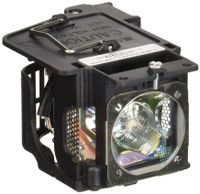
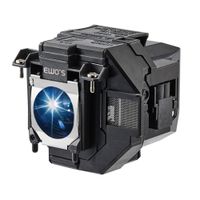
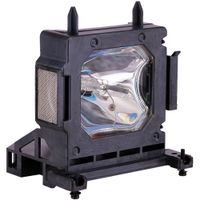
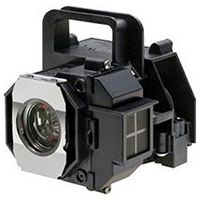
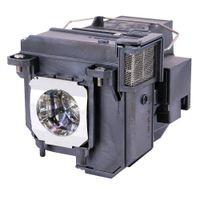
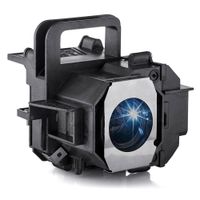
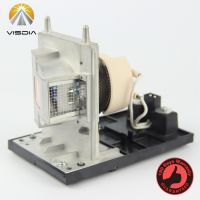
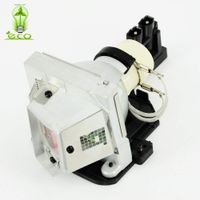
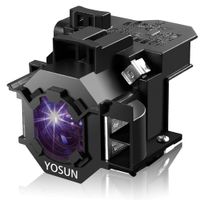
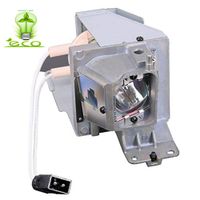
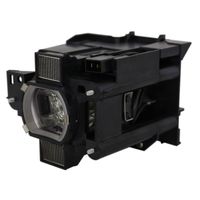
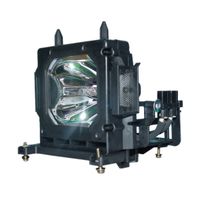
Parameter:
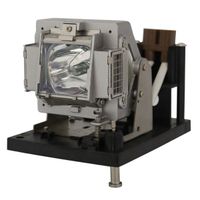
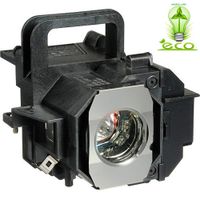
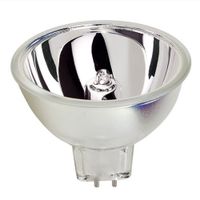
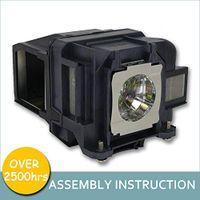
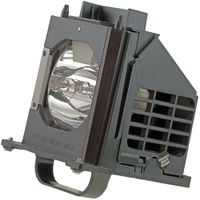
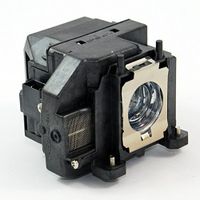
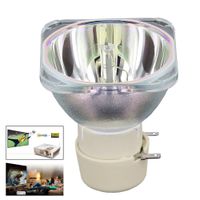
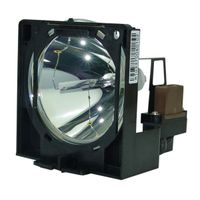
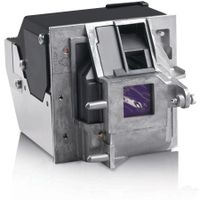
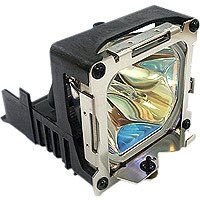
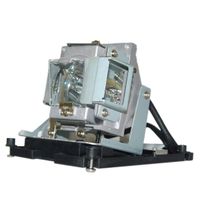
Angrox new replacement projector bulb without housing.
Perfect match is only applicable to your correct projector model.
Lamp Life: 2500-3000 hours
Lamp Part Number : BL-FU240A / SP.8RU01GC01 BL-FU240B
Fit for Optoma HD25-LV DH1011 HD25-LV-WHD EH300 HD30B
Product benefits
1.High luminance due to very short arc and high internal pressure
2.Bright light for brilliant light effects
3.Long lifetime
4.Lightweight and compact reflector lamps with ECG
5.Optimized burner design allows any burning position
6.Easy relamping
7.Uniform light output throughout the entire lifetime
Installation:
1 Turn off the projector and disconnect the power cord.
2 Let the projector cool for at least 30 minutes.
3 Loosen the 2 screws that secure the lamp cover, and remove the cover.
4 Loosen the 2 screws that secure the lamp.
5 Pull up the lamp by its metal handle.
6 Replace with the new lamp.
7 Tighten the 2 screws that secure the lamp.
8 Replace the lamp cover and tighten the 2 screws.
9 Reset the lamp usage time by selecting "Yes" for Lamp Reset in the OSD Lamp tab.
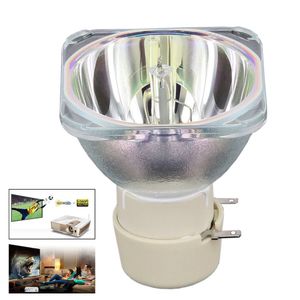
Angrox BL-FU240A Projector Lamp Bulb for Optoma HD25-LV DH1011 HD25 EH300 HD25e HD131Xe.
Parameter:
Angrox new replacement projector bulb without housing.
Perfect match is only applicable to your correct projector model.
Lamp Life: 2500-3000 hours
Lamp Part Number : BL-FU240A / SP.8RU01GC01 BL-FU240B
Fit for Optoma HD25-LV DH1011 HD25-LV-WHD EH300 HD30B
Product benefits
1.High luminance due to very short arc and high internal pressure
2.Bright light for brilliant light effects
3.Long lifetime
4.Lightweight and compact reflector lamps with ECG
5.Optimized burner design allows any burning position
6.Easy relamping
7.Uniform light output throughout the entire lifetime
Installation:
1 Turn off the projector and disconnect the power cord.
2 Let the projector cool for at least 30 minutes.
3 Loosen the 2 screws that secure the lamp cover, and remove the cover.
4 Loosen the 2 screws that secure the lamp.
5 Pull up the lamp by its metal handle.
6 Replace with the new lamp.
7 Tighten the 2 screws that secure the lamp.
8 Replace the lamp cover and tighten the 2 screws.
9 Reset the lamp usage time by selecting "Yes" for Lamp Reset in the OSD Lamp tab.

in next 2 weeks