Description
Parameter:
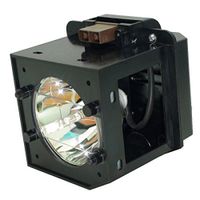
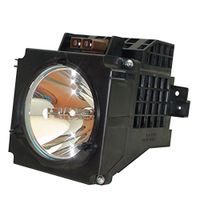
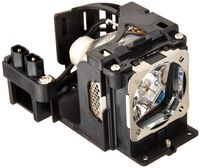
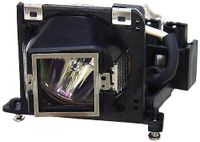
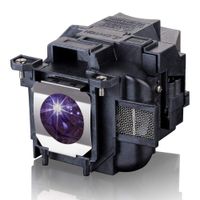
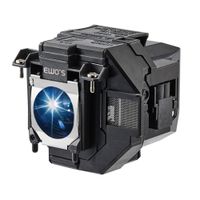
EWO’S new replacement projector bulb with housing.
Perfect match is only applicable to your correct projector model.
Voltage: 220V
Power: 200W
Lamp Life: 2000 hours
Installation:
1. Turn off the projector and unplug the AC power cord.
2. Loosen the screw on the lamp cover with a Philips screwdriver, and then open the lamp cover.
3. Loosen the 3 screws on the lamp with the Phillips screwdriver. Hold up the handle, then pull the lamp straight out.
4. Hold the handle of the new lamp and push it in securely until it reaches the end, and then tighten the 3 screws.
5. Close the lamp cover, and then tighten the screws
6. Plug in the AC power cord.
Warm Noted:
Be sure to use an LMP-H202 Projector Lamp for replacement.
If you use lamps other than the LMP-H202, the unit may malfunction.
Be sure to turn off the unit and unplug the power cord before replacing the lamp
Then check the ON/STANDBY indicator has already been turned off.
The lamp remains hot after the unit is turned off with the (ON/STANDBY) button.
If you touch the lamp, you may burn your fingers. When you replace the lamp
Wait for at least 1 hour for the lamp to cool. Do not touch the surface of the lamp
If you touch it, wipe off the fingerprints with a soft cloth
EWO’S new replacement projector bulb with housing.
Perfect match is only applicable to your correct projector model.
Voltage: 220V
Power: 200W
Lamp Life: 2000 hours
Installation:
1. Turn off the projector and unplug the AC power cord.
2. Loosen the screw on the lamp cover with a Philips screwdriver, and then open the lamp cover.
3. Loosen the 3 screws on the lamp with the Phillips screwdriver. Hold up the handle, then pull the lamp straight out.
4. Hold the handle of the new lamp and push it in securely until it reaches the end, and then tighten the 3 screws.
5. Close the lamp cover, and then tighten the screws
6. Plug in the AC power cord.
Warm Noted:
Be sure to use an LMP-H202 Projector Lamp for replacement.
If you use lamps other than the LMP-H202, the unit may malfunction.
Be sure to turn off the unit and unplug the power cord before replacing the lamp
Then check the ON/STANDBY indicator has already been turned off.
The lamp remains hot after the unit is turned off with the (ON/STANDBY) button.
If you touch the lamp, you may burn your fingers. When you replace the lamp
Wait for at least 1 hour for the lamp to cool. Do not touch the surface of the lamp
If you touch it, wipe off the fingerprints with a soft cloth
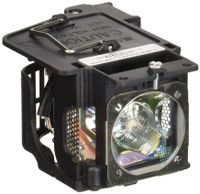
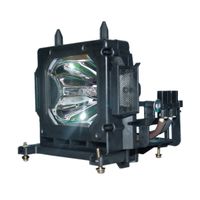
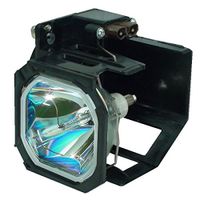
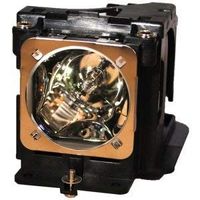
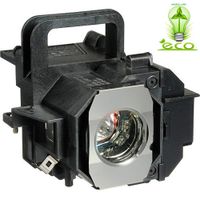
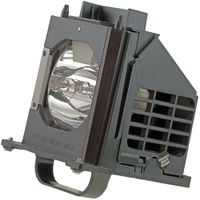
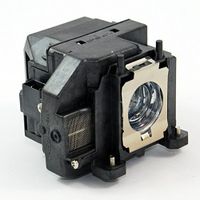
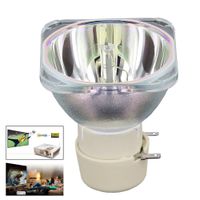
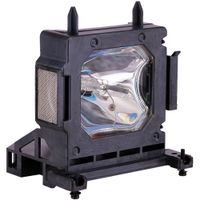
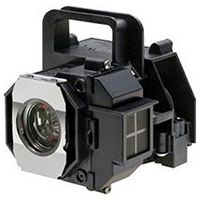
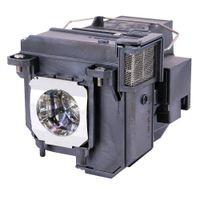
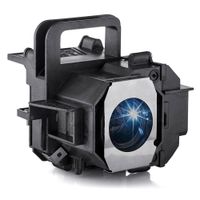
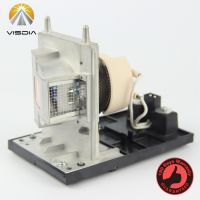
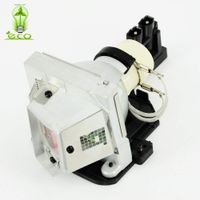
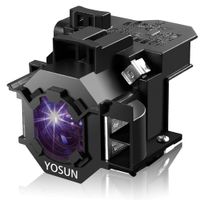
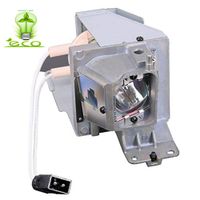
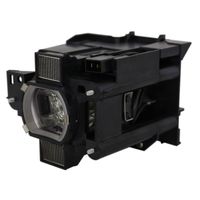
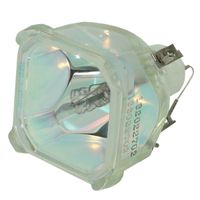
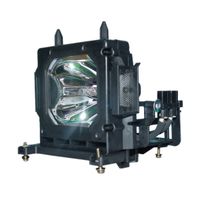
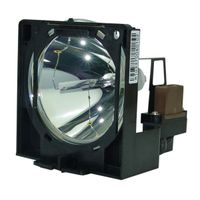
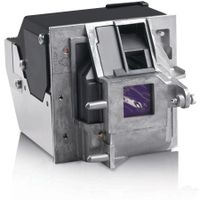
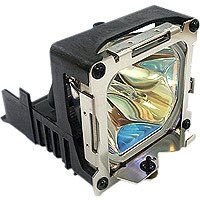
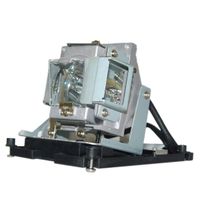
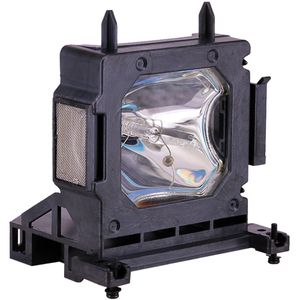
EWO'S LMP-H202 LMP-H201 Replacement Projector Lamp Bulb for Sony VPL-HW30AES HW30ES HW50ES HW55ES VW95ES HW30 HW30ES SXRD HW40ES Projector
Current Price
$89.99
Average
$72.72
Min Price
$19.96
Max Price
$89.99
Price dynamics
19%
Description
Parameter:
EWO’S new replacement projector bulb with housing.
Perfect match is only applicable to your correct projector model.
Voltage: 220V
Power: 200W
Lamp Life: 2000 hours
Installation:
1. Turn off the projector and unplug the AC power cord.
2. Loosen the screw on the lamp cover with a Philips screwdriver, and then open the lamp cover.
3. Loosen the 3 screws on the lamp with the Phillips screwdriver. Hold up the handle, then pull the lamp straight out.
4. Hold the handle of the new lamp and push it in securely until it reaches the end, and then tighten the 3 screws.
5. Close the lamp cover, and then tighten the screws
6. Plug in the AC power cord.
Warm Noted:
Be sure to use an LMP-H202 Projector Lamp for replacement.
If you use lamps other than the LMP-H202, the unit may malfunction.
Be sure to turn off the unit and unplug the power cord before replacing the lamp
Then check the ON/STANDBY indicator has already been turned off.
The lamp remains hot after the unit is turned off with the (ON/STANDBY) button.
If you touch the lamp, you may burn your fingers. When you replace the lamp
Wait for at least 1 hour for the lamp to cool. Do not touch the surface of the lamp
If you touch it, wipe off the fingerprints with a soft cloth
EWO’S new replacement projector bulb with housing.
Perfect match is only applicable to your correct projector model.
Voltage: 220V
Power: 200W
Lamp Life: 2000 hours
Installation:
1. Turn off the projector and unplug the AC power cord.
2. Loosen the screw on the lamp cover with a Philips screwdriver, and then open the lamp cover.
3. Loosen the 3 screws on the lamp with the Phillips screwdriver. Hold up the handle, then pull the lamp straight out.
4. Hold the handle of the new lamp and push it in securely until it reaches the end, and then tighten the 3 screws.
5. Close the lamp cover, and then tighten the screws
6. Plug in the AC power cord.
Warm Noted:
Be sure to use an LMP-H202 Projector Lamp for replacement.
If you use lamps other than the LMP-H202, the unit may malfunction.
Be sure to turn off the unit and unplug the power cord before replacing the lamp
Then check the ON/STANDBY indicator has already been turned off.
The lamp remains hot after the unit is turned off with the (ON/STANDBY) button.
If you touch the lamp, you may burn your fingers. When you replace the lamp
Wait for at least 1 hour for the lamp to cool. Do not touch the surface of the lamp
If you touch it, wipe off the fingerprints with a soft cloth
Price will be lower
in next 2 weeks
in next 2 weeks
According to the data, price will be lower in next two weeks, so not waste your money and track better price!