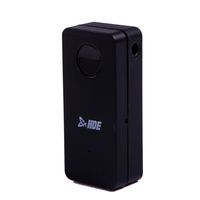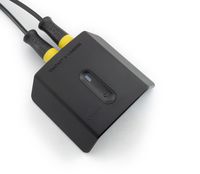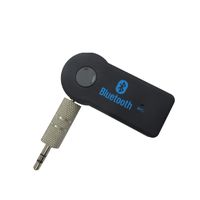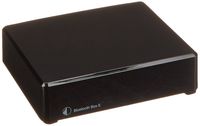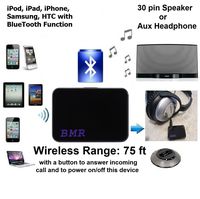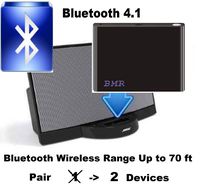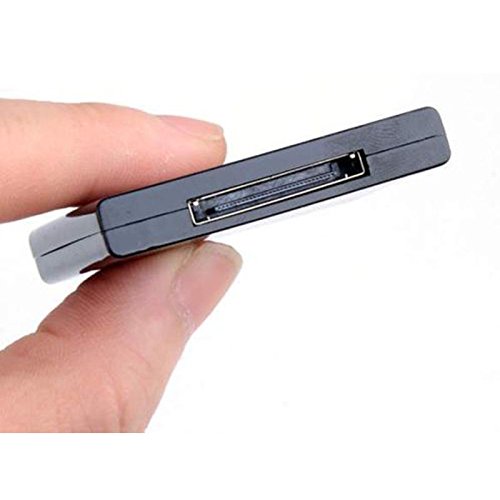
Description
Specifications:
1. Transmission Distance: more than 10 m 2. Interface: Standard iPod 30pin interface 3. 2 indicators, alternately flashes when there is no connection, blue light flashing slowly after connecting 4. Optional computer special USB Bluetooth audio transmitter 5. Support Bluetooth 2.1 protocol specification 6. Support A2DP V1.2 7. Support AVRCP V1.4 8. Device Identification: H168Instructions for use:
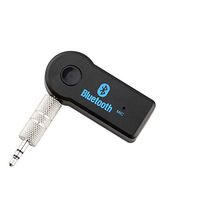
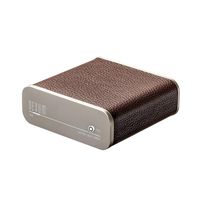
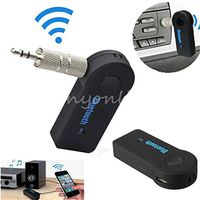
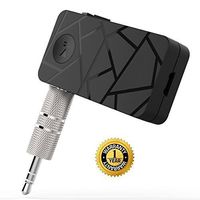
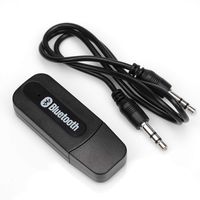
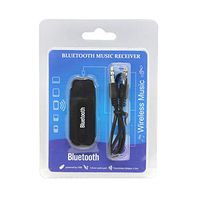
1, Turned on the speaker, insert the item on docking base, front and rear LED lights begin to flash rapidly, indicating it is in pairing mode, indicating that the equipment is working. As the machine defaults to auto back connect after finish design, pls pairing Bluetooth devices after turn on for 30 seconds. 2, After the device into pairing mode, turned on Bluetooth feature of computers, mobile phones and other Bluetooth-output function, and other digital products, search or looking for Bluetooth devices to find H-168 Bluetooth devices to connect, enter the pairing code: 0000 3. After successful pairing, Front and Rear Bluetooth LED lights turned around slowly flashing, indicating that the connection is successful, you can wirelessly play music. 4, During normal operation, if want to change the play device, interrupting connecting computers, mobile phones and other Bluetooth output device, and then paired with other Bluetooth devices, in case the situation can not connect, please remove this product and reinsert.Northbear 30-Pin Dock Bluetooth Music Receiver Adapter for iPod iPhone Dock Speakers
Current Price
$6.99
Average
$6.46
Min Price
$5.93
Max Price
$6.99
Price dynamics
8%
Description
Specifications:
1. Transmission Distance: more than 10 m 2. Interface: Standard iPod 30pin interface 3. 2 indicators, alternately flashes when there is no connection, blue light flashing slowly after connecting 4. Optional computer special USB Bluetooth audio transmitter 5. Support Bluetooth 2.1 protocol specification 6. Support A2DP V1.2 7. Support AVRCP V1.4 8. Device Identification: H168Instructions for use:
1, Turned on the speaker, insert the item on docking base, front and rear LED lights begin to flash rapidly, indicating it is in pairing mode, indicating that the equipment is working. As the machine defaults to auto back connect after finish design, pls pairing Bluetooth devices after turn on for 30 seconds. 2, After the device into pairing mode, turned on Bluetooth feature of computers, mobile phones and other Bluetooth-output function, and other digital products, search or looking for Bluetooth devices to find H-168 Bluetooth devices to connect, enter the pairing code: 0000 3. After successful pairing, Front and Rear Bluetooth LED lights turned around slowly flashing, indicating that the connection is successful, you can wirelessly play music. 4, During normal operation, if want to change the play device, interrupting connecting computers, mobile phones and other Bluetooth output device, and then paired with other Bluetooth devices, in case the situation can not connect, please remove this product and reinsert.Price will be lower
in next 2 weeks
in next 2 weeks
According to the data, price will be lower in next two weeks, so not waste your money and track better price!
Product review & video
hey crazy will here today and today we're gonna be talking about how to turn your old docking stations into bluetooth stay tuned [Music] today we're my garage and I'll get to that in a little bit but first let's talk about your old docking stations use for ipads ipods iphones that old 30-pin connector that's not doing anything for you anymore now you might be asking yourself but well don't people know this I get asked this all the time and now do I get asked it all the time but I have a lot of people throwing these out because there's no good no more they don't work with their devices I find it ridiculous that they throwing them in the landfill when we can reuse them and repurpose them and make them better especially if you spent like I'm the suppose one two hundred and fifty bucks okay so this is an old docking station the way it used to work if you don't know one of these or if you wa



Similar products