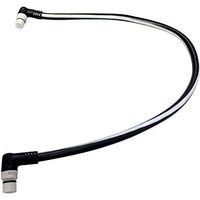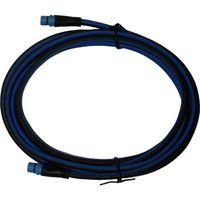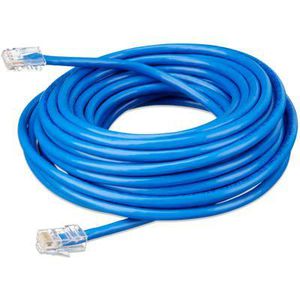
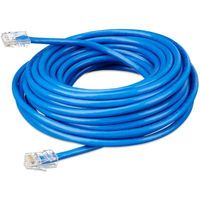
Victron Energy RJ45 UTP Cable, 10 Meter
Current Price
$21
Average
$19.62
Min Price
$17.85
Max Price
$26.08
Price dynamics
7%
Price will be lower
in next 2 weeks
in next 2 weeks
According to the data, price will be lower in next two weeks, so not waste your money and track better price!
Product review & video
How to connect the BMV-700 battery monitor Hello and welcome. In this instructional video I will show you how to connect your BMV-700 battery monitor. The main function of the BMV is to follow and indicate the state of charge of a battery. To connect the BMV-700 you will need the following tools: a terminal screw driver and two socket wrenches. Inside the box of the BMV you will find a BMV-700, a shunt, a UTP cable and a positive supply cable to power the BMV. You can mount the BMV with or without the square bezel. Please read the quick installation guide to see how to mount the BMV with the bezel. The mounting ring has two sides: with this side you can mount the BMV to a 7 to 18 millimeter thick plate or wall; with the other side of the ring you can mount the BMV to a plate or wall with a thickness of 0.5 to 8 millimeters How to connect Connect the BMV to the shunt with the UTP cable,







![Raymarine CPT-DV/CPT-DVS Mounting Kit [R70439]](https://use4coins.com/thumbs/unsafe/fit-in/200x200/https://images-na.ssl-images-amazon.com/images/I/71lB0uKhNWL.jpg)
![Raymarine Transom Mount Mounting Bracket f/CPT-60 [R70257]](https://use4coins.com/thumbs/unsafe/fit-in/200x200/https://images-na.ssl-images-amazon.com/images/I/31eHGvjlZKL.jpg)