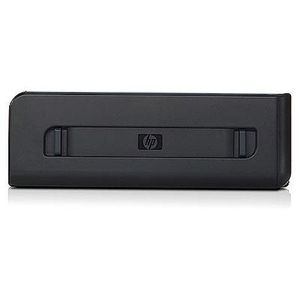
HP Inkjet Automatic Two-Sided Printing Accessory C7G18A
Current Price
$369.05
Average
$119.48
Min Price
$25.96
Max Price
$376.77
Price dynamics
68%
Price will be lower
in next 2 weeks
in next 2 weeks
According to the data, price will be lower in next two weeks, so not waste your money and track better price!
Product review & video
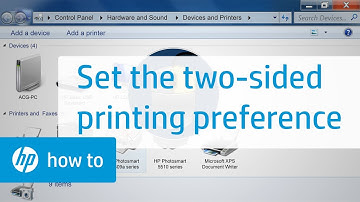
This video shows how to set the two-sided
printing preference for your HP printer. This function is only available for printers with
duplexing capabilities. The driver for your printer must also be installed for these steps
to work. First, from your computer, click the Windows
icon. Click Devices and Printers. Right click the printer icon for your printer. Click Printing Preferences. If necessary, choose your printer from the
list. From the Printing preferences window, click
the Features tab. In the Paper Saving Options area, click the
dropdown list under Two-sided printing. Then click Automatically. Click OK to apply the changes. Your printer is now ready to use. You can find additional helpful videos at
hp.com/supportvideos and on our YouTube channel, youtube.com/hpprintersupport.





![B1A-WIRELESS DOOR & WINDOW OPEN ALARM ALERT [Electronics]](https://use4coins.com/thumbs/unsafe/fit-in/200x200/https://images-na.ssl-images-amazon.com/images/I/41kMCeG5EyL.jpg)