- HomeElectronicsComputers & AccessoriesComputer Accessories & PeripheralsCables & InterconnectsThunderbolt Cables
Description
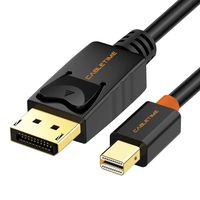
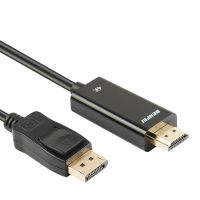
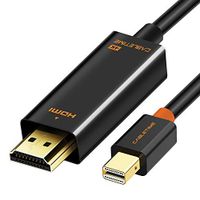
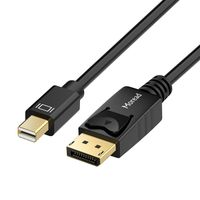
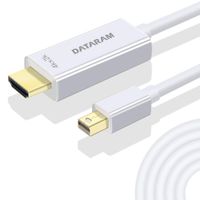
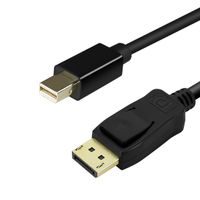
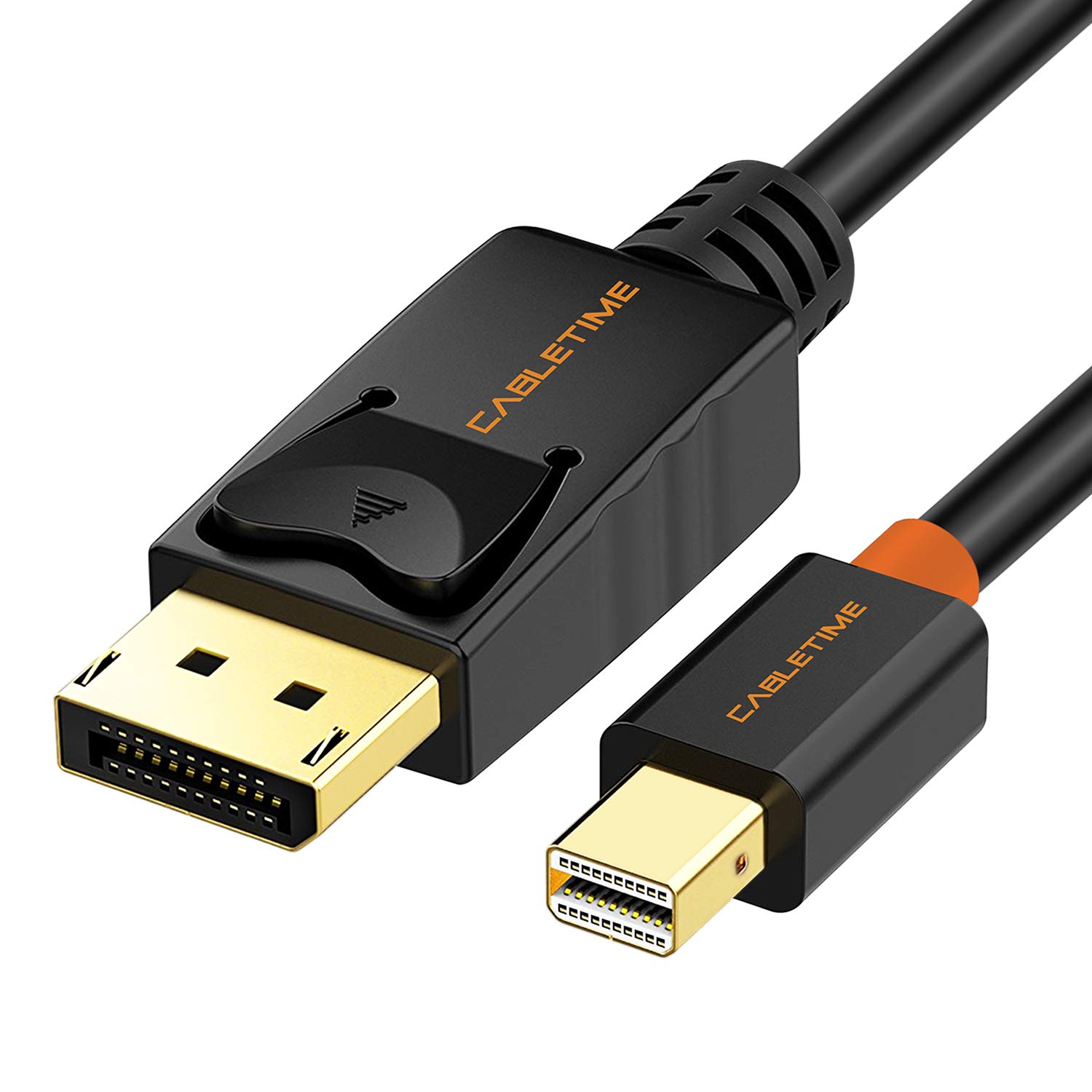
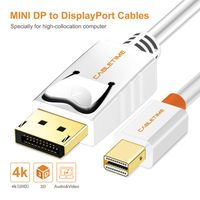
Connection Notes: Input: Mini DisplayPort Thunderbolt Port Male Output: DisplayPort Male Macs made before 2010 do not output audio over Mini t DisplayPort 1.2 Compatible Compatible list (incomplete): Apple MacBook, MacBook Pro, MacBook Air, iMac, Mac mini, Mac Pro; Microsoft Surface Pro/Pro 2/Pro 3 (NOT Surface for Windows RT); Lenovo ThinkPad X1 Carbon, X230/X240s, L430/L440/L530/L540,T430/T440/T440s/T440p/T530/540p, W530/W540, Helix; Dell XPS 14/15/17, Latitude E7240/E7440, Precision M3800; Alienware 14/17/18; Acer Aspire R7/S7/V5/V7; Intel NUC; Asus Zenbook; HP Envy 14/17; Google Chromebook Pixel; Cyberpower Zeusbook Edge X6; Toshiba Satellite Pro S500, Tecra M11/A11/S11 Package Contents: CABLETIME Gold Plated Mini DisplayPort to Displayport Male Cable x1 Lifetime Warranty, 24/7 email support for your peace of mind. Description: CABLETIME Mini DP to DP cable connects your device with Mini DP/mDP/Thunderbolt port to larger display or monitor with DP/Displayport port for higher resolution and better viewing experience; It's an ideal solution for sharing movies, photos, playing games, giving presentation or expand your workspace with larger display; Specification: 1. Support transmits both audio and video from Mini DisplayPort to Displayport; 2. Ideal for connecting Macbook,laptops or tablets to HDTV, Displays, Projectors; 3. Supports high definition resolution to 2K (2560x1440) 4. Plug and Play, no driver needed; 5. Support uncompressed audio such as LPCM; 6. Support compressed audio such as DTS Digital, Dolby Digital, include DTS-HD and Dolby True HD uncompressed digital 7.1, 5.1 or 2 channels;
Mini DisplayPort to DisplayPort Cable CABLETIME Mini DP to DP Cord Support Video and Audio,Thunderbolt Compatible for Surface Pro 5 / Pro 4 / Pro 3, MacBook Air,etc (10 Feet/3m, Black)
Price is below average
Current Price
$9.99
Average
$10.15
Min Price
$8.24
Max Price
$11.55
Price dynamics
2%
Description
Connection Notes: Input: Mini DisplayPort Thunderbolt Port Male Output: DisplayPort Male Macs made before 2010 do not output audio over Mini t DisplayPort 1.2 Compatible Compatible list (incomplete): Apple MacBook, MacBook Pro, MacBook Air, iMac, Mac mini, Mac Pro; Microsoft Surface Pro/Pro 2/Pro 3 (NOT Surface for Windows RT); Lenovo ThinkPad X1 Carbon, X230/X240s, L430/L440/L530/L540,T430/T440/T440s/T440p/T530/540p, W530/W540, Helix; Dell XPS 14/15/17, Latitude E7240/E7440, Precision M3800; Alienware 14/17/18; Acer Aspire R7/S7/V5/V7; Intel NUC; Asus Zenbook; HP Envy 14/17; Google Chromebook Pixel; Cyberpower Zeusbook Edge X6; Toshiba Satellite Pro S500, Tecra M11/A11/S11 Package Contents: CABLETIME Gold Plated Mini DisplayPort to Displayport Male Cable x1 Lifetime Warranty, 24/7 email support for your peace of mind. Description: CABLETIME Mini DP to DP cable connects your device with Mini DP/mDP/Thunderbolt port to larger display or monitor with DP/Displayport port for higher resolution and better viewing experience; It's an ideal solution for sharing movies, photos, playing games, giving presentation or expand your workspace with larger display; Specification: 1. Support transmits both audio and video from Mini DisplayPort to Displayport; 2. Ideal for connecting Macbook,laptops or tablets to HDTV, Displays, Projectors; 3. Supports high definition resolution to 2K (2560x1440) 4. Plug and Play, no driver needed; 5. Support uncompressed audio such as LPCM; 6. Support compressed audio such as DTS Digital, Dolby Digital, include DTS-HD and Dolby True HD uncompressed digital 7.1, 5.1 or 2 channels;
Price will be lower
in next 2 weeks
in next 2 weeks
According to the data, price will be lower in next two weeks, so not waste your money and track better price!
Product review & video
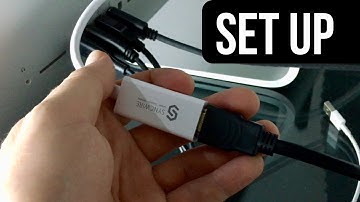
[Music] hey guys as promised here's a quick setup video so as you guys know this part will go to your HDMI cable so you guys just plug that in and obviously that's the HDMI cable was connected to your monitor this part ok just get a close-up this will go right here so this is the back of my iMac on your macbook you guys should see the same thing when you guys can plug it into either one of these ports so just plug it into one of these ports and then from your Mac I just go into system preferences and don't have your monitor turned on by the way when you're making these connections just have it off for now and then once it's connected you guys can go to System Preferences alright let me just so you can see you guys can actually see this thing and then on this place you guys will see your monitor so at this time it's good to turn on your monitor so I have my monitor right here I'm gonna t

Similar products