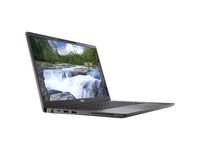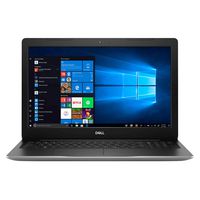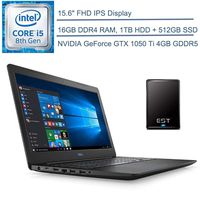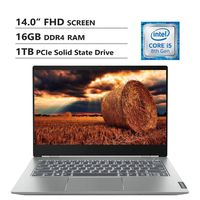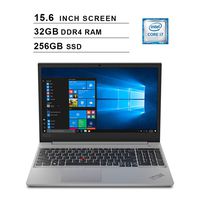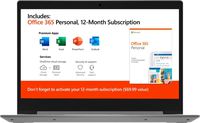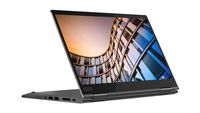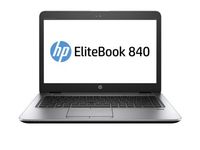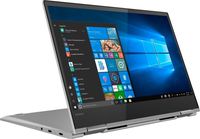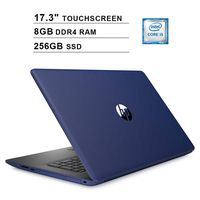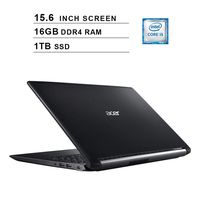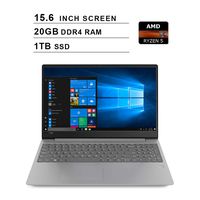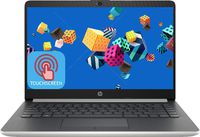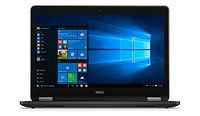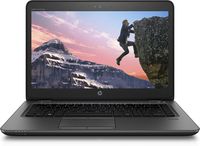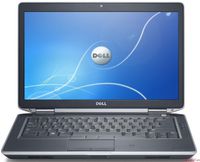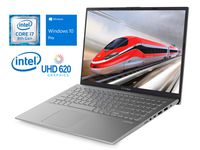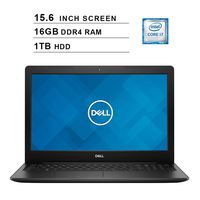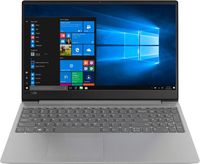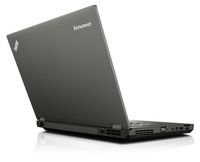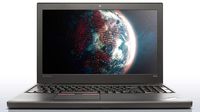
- Windows 10 Home in S Mode, 64-bit
Processor:
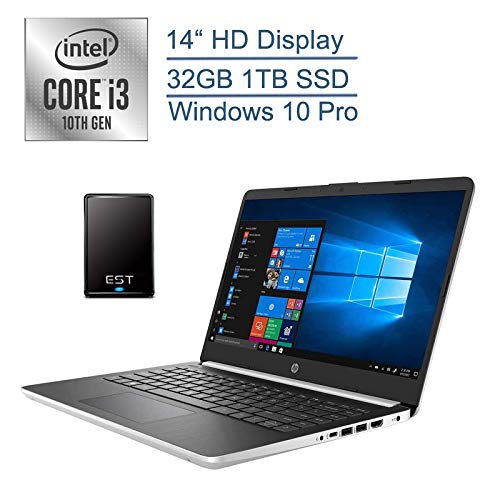
- 10th Gen Intel Core i5-1035G4 Processor @ 1.10GHz (4 Cores, up to 3.7GHz, 6MB Cache)
Memory:
- 4GB DDR4 RAM
Drives:
- 128GB SSD
Display:
- 14" IPS BrightView WLED-Backlit FHD (1920x1080) Display
Communications:
- 802.11ac (2x2) Wireless + Bluetooth 5.0
Graphics:
- Intel UHD Graphics
Ports & Slots:
- 1x USB 3.1 Type-C
- 2x USB 3.1 Gen 1 Type-A
- 1x HDMI
- 1x Multi-Format Digital Media Card Reader
- 1x Combination Headphone-Out/Microphone-In Jack
Keyboard:
- Backlit Keyboard
Battery:
- 3-Cell 41WHr Lithium-Ion Battery
Additional Information:
- Dimensions: 12.76"W x 8.86"D x 0.71"H
- Weight: 3.24lb
Instruction of Switching out of S mode in Windows 10
· On your PC running Windows 10 in S mode, open Settings > Update & Security > Activation.
· In the Switch to Windows 10 Home or Switch to Windows 10 Pro section, select Go to the Store. (If you also see an "Upgrade your edition of Windows" section, be careful not to click the "Go to the Store" link that appears there.)
· On the Switch out of S mode (or similar) page that appears in the Microsoft Store, select the Get button. After you see a confirmation message on the page, you'll be able to install apps from outside of the Microsoft Store.
Accessories
EST 320GB External Hard Drive Portable Bundle
2020 HP 14" Business Laptop Computer/ 10th Gen Intel Core i3 1005G1 Up to 3.4GHz (Beat i5-7200u)/ 32GB DDR4 RAM/ 1TB SSD/ 802.11ac WiFi/ Type-C/ Windows 10 Pro + EST 500GB External Hard Drive Bundle
- Windows 10 Home in S Mode, 64-bit
Processor:
- 10th Gen Intel Core i5-1035G4 Processor @ 1.10GHz (4 Cores, up to 3.7GHz, 6MB Cache)
Memory:
- 4GB DDR4 RAM
Drives:
- 128GB SSD
Display:
- 14" IPS BrightView WLED-Backlit FHD (1920x1080) Display
Communications:
- 802.11ac (2x2) Wireless + Bluetooth 5.0
Graphics:
- Intel UHD Graphics
Ports & Slots:
- 1x USB 3.1 Type-C
- 2x USB 3.1 Gen 1 Type-A
- 1x HDMI
- 1x Multi-Format Digital Media Card Reader
- 1x Combination Headphone-Out/Microphone-In Jack
Keyboard:
- Backlit Keyboard
Battery:
- 3-Cell 41WHr Lithium-Ion Battery
Additional Information:
- Dimensions: 12.76"W x 8.86"D x 0.71"H
- Weight: 3.24lb
Instruction of Switching out of S mode in Windows 10
· On your PC running Windows 10 in S mode, open Settings > Update & Security > Activation.
· In the Switch to Windows 10 Home or Switch to Windows 10 Pro section, select Go to the Store. (If you also see an "Upgrade your edition of Windows" section, be careful not to click the "Go to the Store" link that appears there.)
· On the Switch out of S mode (or similar) page that appears in the Microsoft Store, select the Get button. After you see a confirmation message on the page, you'll be able to install apps from outside of the Microsoft Store.
Accessories
EST 320GB External Hard Drive Portable Bundle
in next 2 weeks