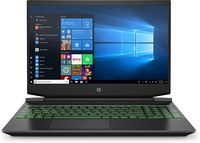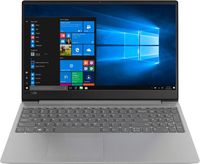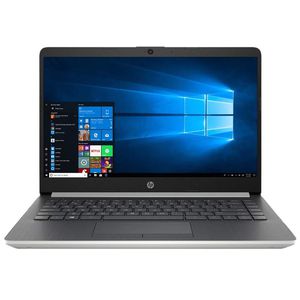
Description
Processor & Memory:
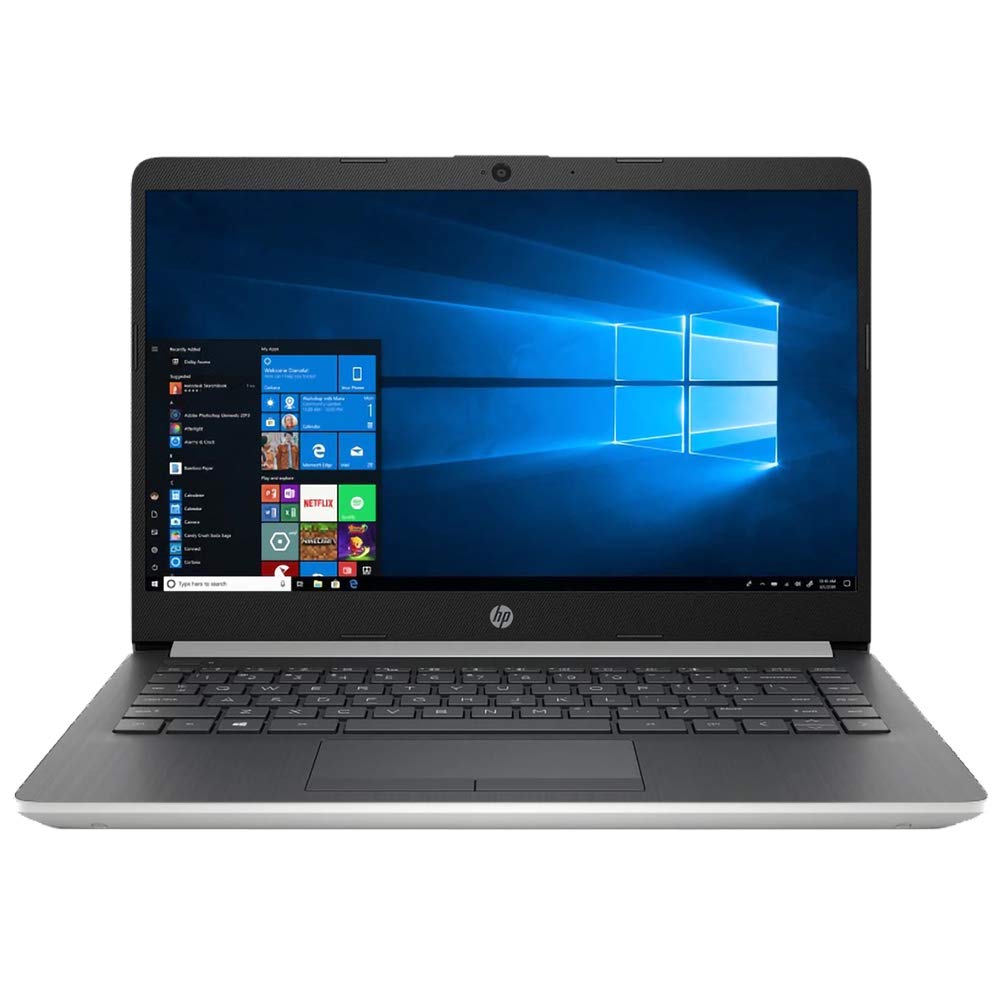
- AMD Ryzen 3 3200U 2.6 GHz up to 3.5 GHz
- 8GB DDR4 RAM
Operating System:
- Windows 10 Home in S Mode 64-bit
Drives:
- 128GB PCIE SSD
- No DVD drive
Display & Resolution:
- 14-inch HD touchscreen
- 1366x768
Communications:
- Realtek RTL8821CE 802.11b/g/n/ac (1x1)(19a) Wi-FiBluetooth 4.2
Graphics (integrated):
- AMD Radeon Vega 3 graphics
Ports & Slots:
- 1 USB Type-C 3.1 Gen 1
- 2x USB 3.1 Gen 1 Type-A
- 1x HDMI
- 1x RJ-45
- 1xheadphone/microphone combo
Color:
- Natural Silver
Battery:
- 45 WHr 3-cell Lithium-ion battery
Additional Information:
- Dimensions: 12.8 x 8.9 x 0.8"
- Weight: 3.3lb
Instruction of Switching out of S mode in Windows 10
- On your PC running Windows 10 in S mode open Settings > Update & Security > Activation.
- In the Switch to Windows 10 Home or Switch to Windows 10 Pro section select Go to the Store. (If you also see an "Upgrade your edition of Windows" section be careful not to click the "Go to the Store" link that appears there.)
- On the Switch out of S mode (or similar) page that appears in the Microsoft Store select the Get button. After you see a confirmation message on the page you'll be able to install apps from outside of the Microsoft Store.
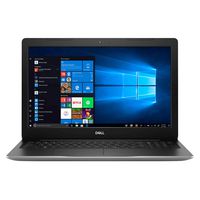
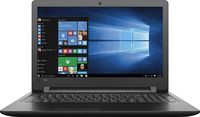
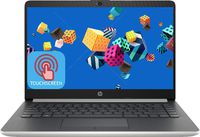
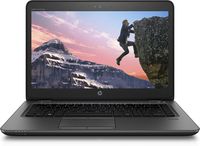
2020 HP 14 Laptop Computer/ 14" Touchscreen/ AMD Ryzen 3 3200U up to 3.5 GHz/ 8GB DDR4 RAM/ 128GB PCIE SSD/ Bluetooth 4.2/ AC WiFi/ HDMI/ USB 3.1/ Windows 10 Home
Current Price
$359
Average
$359
Min Price
$359
Max Price
$359
Description
Processor & Memory:
- AMD Ryzen 3 3200U 2.6 GHz up to 3.5 GHz
- 8GB DDR4 RAM
Operating System:
- Windows 10 Home in S Mode 64-bit
Drives:
- 128GB PCIE SSD
- No DVD drive
Display & Resolution:
- 14-inch HD touchscreen
- 1366x768
Communications:
- Realtek RTL8821CE 802.11b/g/n/ac (1x1)(19a) Wi-FiBluetooth 4.2
Graphics (integrated):
- AMD Radeon Vega 3 graphics
Ports & Slots:
- 1 USB Type-C 3.1 Gen 1
- 2x USB 3.1 Gen 1 Type-A
- 1x HDMI
- 1x RJ-45
- 1xheadphone/microphone combo
Color:
- Natural Silver
Battery:
- 45 WHr 3-cell Lithium-ion battery
Additional Information:
- Dimensions: 12.8 x 8.9 x 0.8"
- Weight: 3.3lb
Instruction of Switching out of S mode in Windows 10
- On your PC running Windows 10 in S mode open Settings > Update & Security > Activation.
- In the Switch to Windows 10 Home or Switch to Windows 10 Pro section select Go to the Store. (If you also see an "Upgrade your edition of Windows" section be careful not to click the "Go to the Store" link that appears there.)
- On the Switch out of S mode (or similar) page that appears in the Microsoft Store select the Get button. After you see a confirmation message on the page you'll be able to install apps from outside of the Microsoft Store.
Price will be lower
in next 2 weeks
in next 2 weeks
According to the data, price will be lower in next two weeks, so not waste your money and track better price!
Product review & video
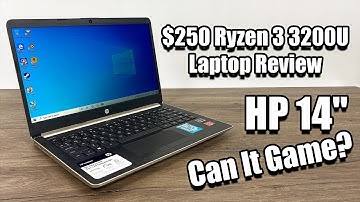
what's going on guys this ETA prime back here again today we're gonna take a look at a 250 dollar HP laptop powered by the Rison 3200 you in my main focus with this video is how does this thing handle gaming now this comes pre-loaded with 4 gigabytes of ddr4 Ram running at 2400 megahertz now before I even made this purchase I did a little bit of research and I found that this does support dual channel Ram so I will be upgrading to 8 gigs in this machine to 4 gigabyte sticks and the extra stick I purchased on Amazon for 17 dollars so in total I have around 270 dollars into this laptop after I add that Ram and the main reason I'm gonna be adding an extra stick of RAM to this is to help out with these built in radeon vega 3 graphics i recently posted a video on another laptop known as the motile 14 the price on that was $300 and it actually had a pretty decent cpu known as the risin v 3500

Similar products