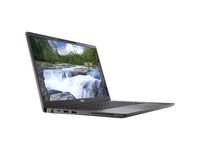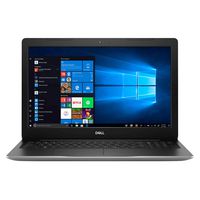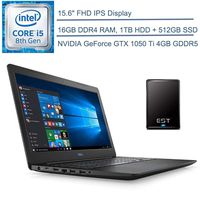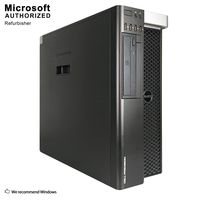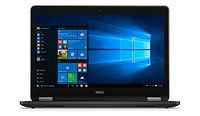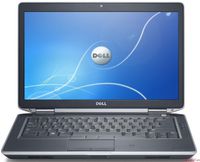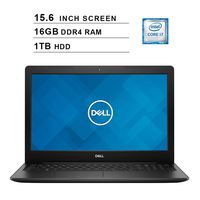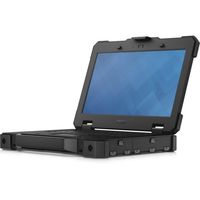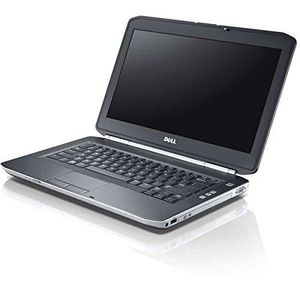
Dell Latitude E5430 - Core i5 3320M 2.6 GHz - Windows 10 Pro 64-bit - 8GB RAM - 320 GB HDD - DVD-ROM (Renewed)
Price is below average
Current Price
$179.99
Average
$212.17
Min Price
$142.49
Max Price
$469.96
Price dynamics
15%
Price will be lower
in next 2 weeks
in next 2 weeks
According to the data, price will be lower in next two weeks, so not waste your money and track better price!
Product review & video
hello guys we're going to put an SSD drive in this latitude compute now we'll show you how you can do it you have to unscrew four bolts one two three four and then you can slide this that way then we can see the memory the artists drive and the CPU unscrew this these four bolts first then you can just pull your website you can take our describe out you can lay the old hard disk and a new one in the same position and then we have to unscrew four bolts one two three four then we can mount the bracket on the SSD you you it's possible now we can put the hard disk ESD back in first behind like that then front the connection with your fingers here and push it and then we can turn four bolts back in you so the new hard disk drive the SSD is mounted thin and now we can put this piece back back back on just lay like that and push it and then for bolt back in you first connect and then push I hav