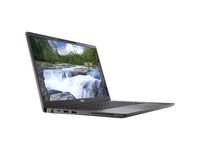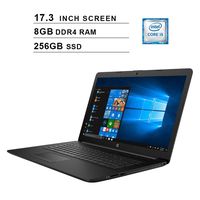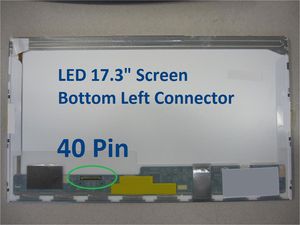
Toshiba Satellite L675 Laptop Screen 17.3 LED BOTTOM LEFT WXGA++ 1600x900
Price is below average
Current Price
$73.9
Average
$75.01
Min Price
$66.29
Max Price
$88.7
Price dynamics
1%
Price will be lower
in next 2 weeks
in next 2 weeks
According to the data, price will be lower in next two weeks, so not waste your money and track better price!
Product review & video
SSE gene and kovitch on laptop screen back the name of the website is www.seannal.com and today we're going to replace a cracked screen on the toshiba satellite l 675 laptop computer l 675 laptop computer this is a big laptop with 17.3 inch screen but it shouldn't be too bad to pace the screen so if have a cracked screen watch this video and save some money alright in order to get to the screen we have to remove this black plastic frame around the screen first and in order to do that there's some screws that are holding it down that we haven't really so let's look at the tools that we're going to need we're going to need up exacto knife exacto blade with a sharp weight with a sharp tip pair of metal tweezers to grab little screws when they're stuck and electronic screwdriver with a pH one bit in the pH zero bit alright so let's get started first we have to remove the plastic covers off