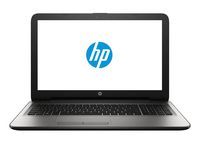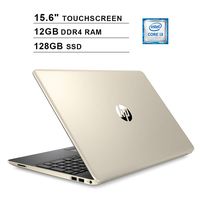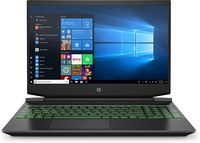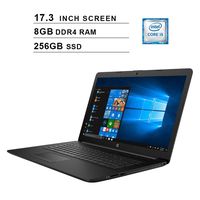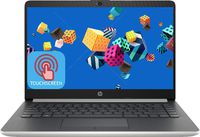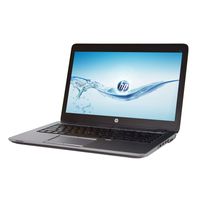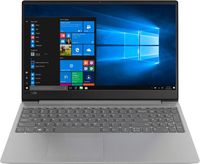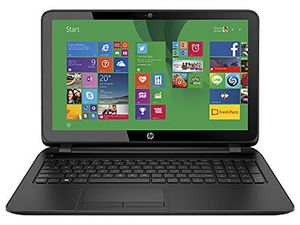
HP 15-f215dx 15.6-inch Laptop PC - AMD Quad-core A8 / 4GB Memory / 750GB HD / DVD±RW/CD-RW / HD Webcam / Windows 8.1 64-bit (Black)
Current Price
$449.99
Average
$349.24
Min Price
$249
Max Price
$469.99
Price dynamics
22%
Price will be lower
in next 2 weeks
in next 2 weeks
According to the data, price will be lower in next two weeks, so not waste your money and track better price!
Product review & video
Reinstalling an HP Webcam Driver in Windows If your HP webcam stops working after installing a Windows update, or a software update, reinstall the driver. You can look for the webcam driver software on your notebook computer. Select Start, and type Device Manager. A menu list displays. Double-click Imaging devices to expand the category. If the HP Webcam-101 or Microsoft USB Video Device is listed, right-click the driver. Then select Update Driver. Follow the prompts to update the driver. Then Restart the computer. Open the webcam software to check that the webcam is working. If the webcam still does not display, perform a Microsoft System Restore, and go back to a time when the webcam was functioning correctly.