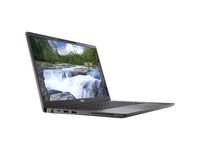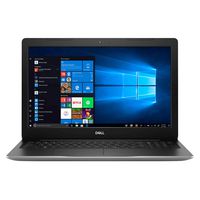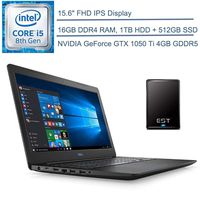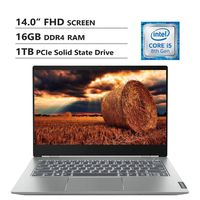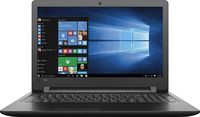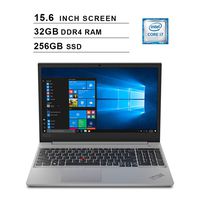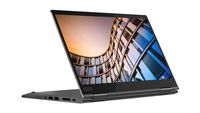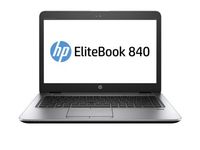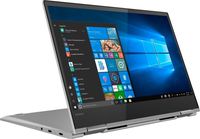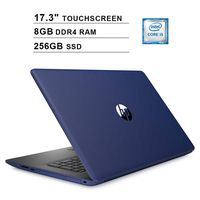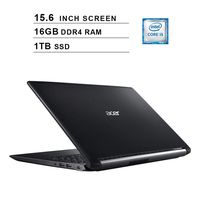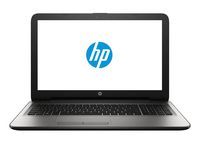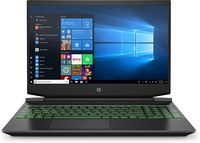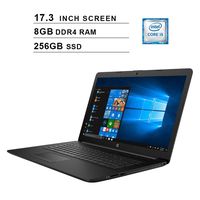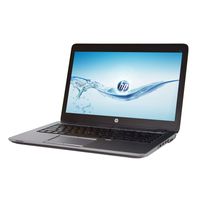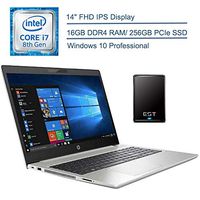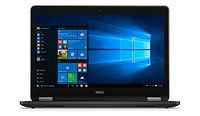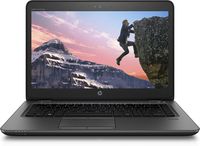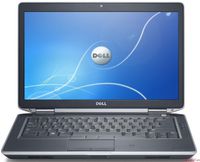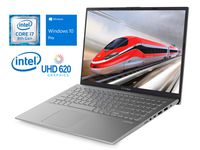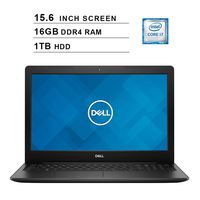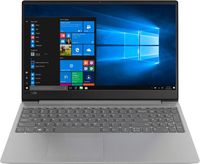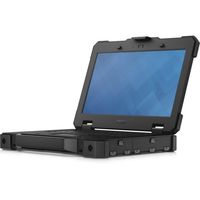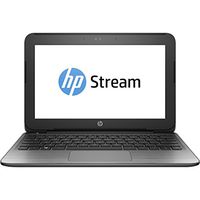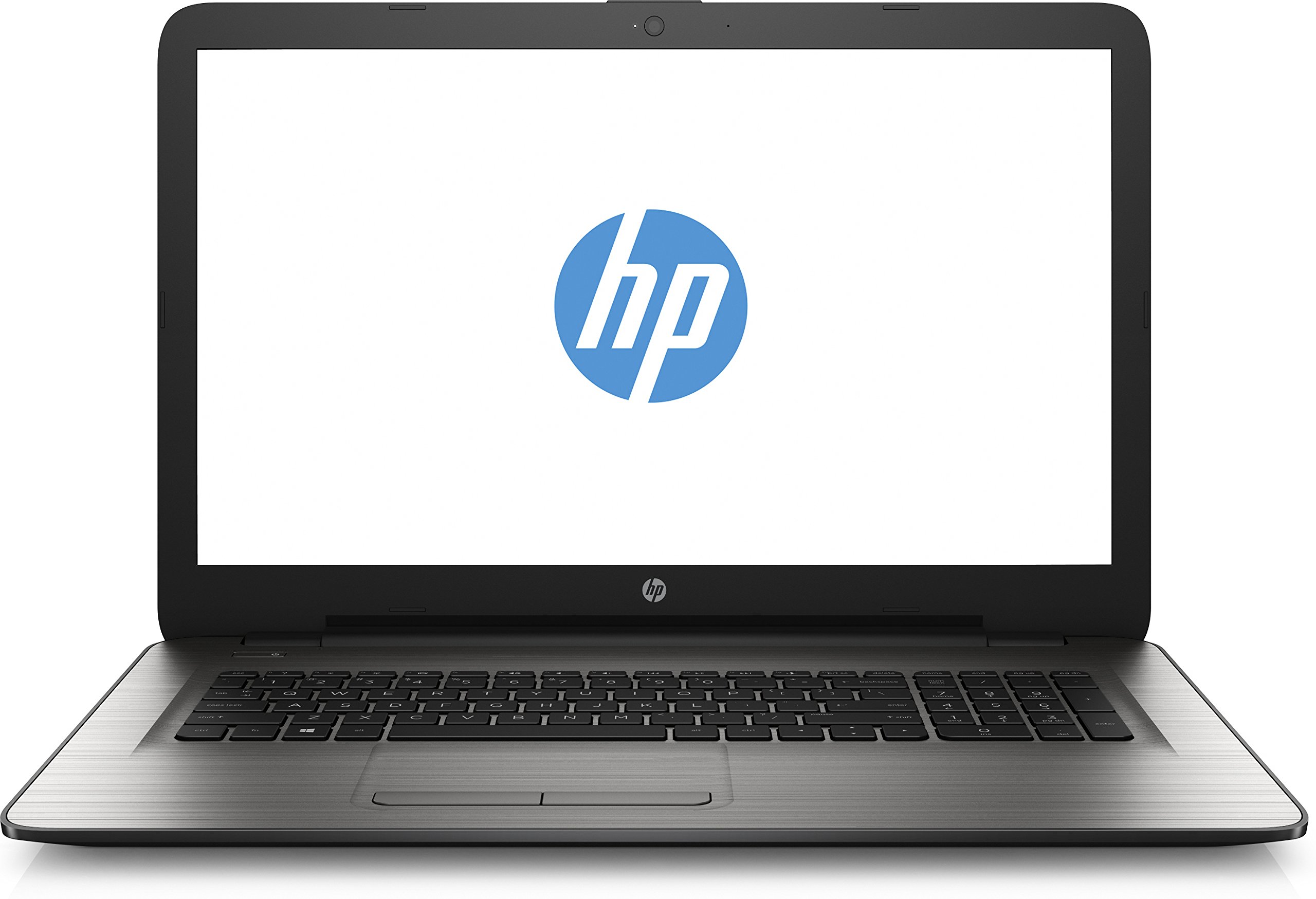
HP 17.3" Notebook - HD+ SVA (1600x900) | Intel Core i3-5005U 2.0GHz | 6GB DDR3 | 1TB HDD | DVD | Wireless AC | Bluetooth | Windows 10 | Silver
Current Price
$409
Average
$404.9
Min Price
$326.99
Max Price
$499.99
Price dynamics
1%
Price will be lower
in next 2 weeks
in next 2 weeks
According to the data, price will be lower in next two weeks, so not waste your money and track better price!
Product review & video
Hi friends !! This is Aamir Hussain and you are watching Trick i Know YouTube Channel. In this Video i am going to show you How to upgrade RAM in HP 15 Series Notebooks. First of all i want to show you How much RAM i have already installed in my Laptop. You can see it here , i have 4GB RAM already installed and now i am going to add a additional 8GB RAM on it. To install a RAM You need a 4 Head screw driver and a opening prey tool May be brush for cleaning purpose and a 8GB RAM :) Ovessly if you want to upgrade your RAM Memory You will need it. Now come to back here you can see there is no any option to Install the ram directly. So you have to open the whole bottom base of this laptop. Follow my steps First remove the battery out of this laptop and open the screws from the battery area. Second step is to open our DVD
writer. Open this screw to take it out. Now open all the screws of thi