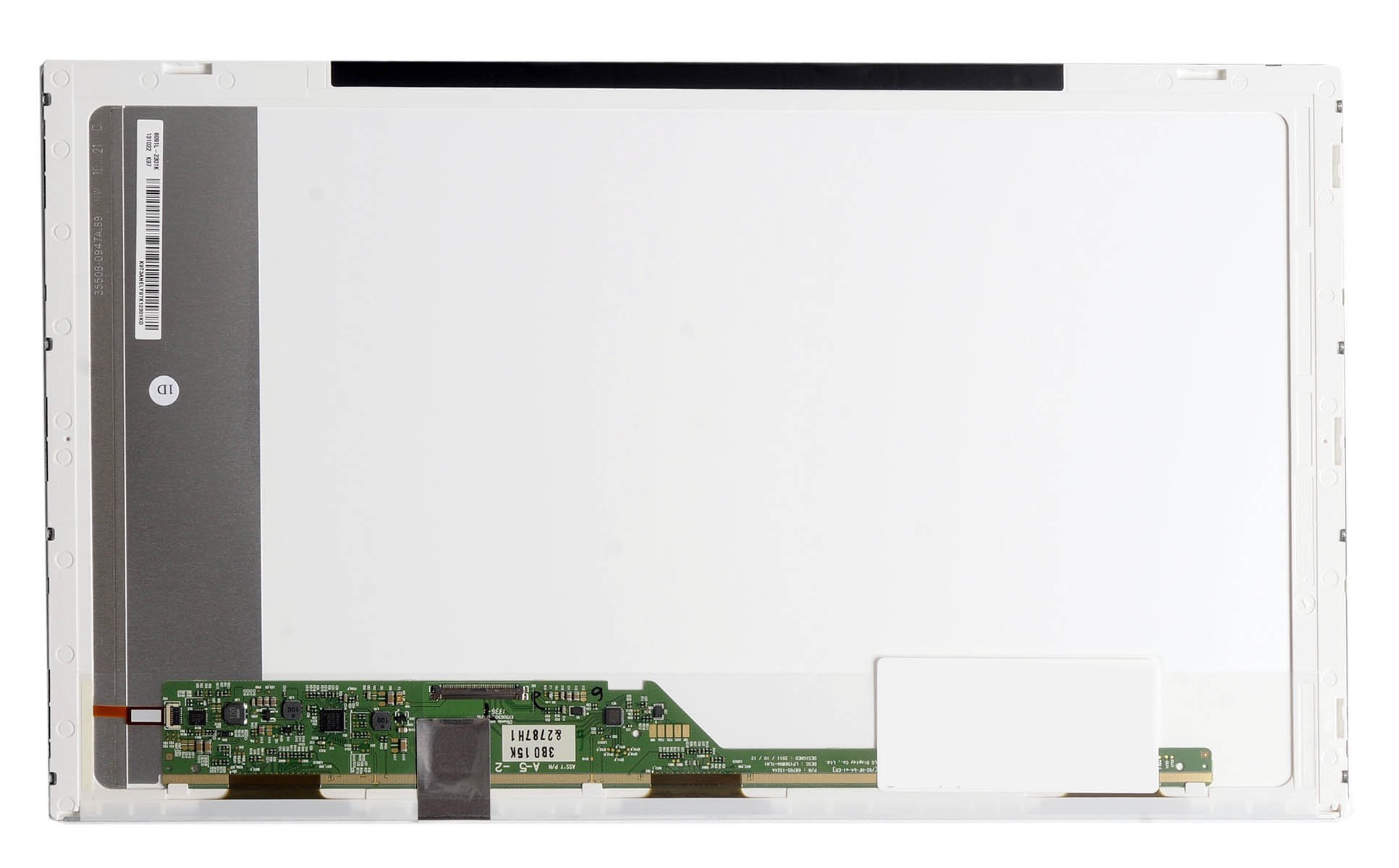
Toshiba Satellite C655D-S5300 Laptop Screen 15.6 LED Bottom Left Wxga Hd 1366 Matte
Price is below average
Current Price
$50
Average
$57.92
Min Price
$50
Max Price
$88.4
Price dynamics
14%
Price will be lower
in next 2 weeks
in next 2 weeks
According to the data, price will be lower in next two weeks, so not waste your money and track better price!
Product review & video
how to replace a screen on a toshiba satellite model c655d dash s 5300 the computer shut down you're going to close it real quick flip it over you're going to see two clips holding in the battery you're going to push them aside slide the battery out just to make sure that you don't have any problems the battery is safely removed you're going to now work on the four screws on the front of the screen be careful they're kind of small and you don't want to lose them okay with the four screws removed your next step is to remove the little plastic cover that surrounds the screen this is where i say the pick is a little handy kind of gets in between the crevice and helps you pry the plastic be careful though you don't want to break it just kind of work your way around you'll hear them unclip and the next step the pick comes in handy is over the hinge mount this little cover it kind of covers t